
AVI, MPEG and Other Formats to MP3
Older and less common video files — AVI, FLV, 3GP, M4V — convert to MP3 here when their sound is MP3, AAC or PCM, inside your browser with nothing uploaded. A 2.5-minute AVI is done in about 8 seconds. Older .mpg, .ts and .wmv files can't be read by browsers yet, and this page shows the quick fix.
Works with most video pages and direct video links.
Key facts
- AVI with MP3 or PCM sound, FLV and 3GP with AAC sound convert in your browser; a 2.5-minute AVI is done in about 8 seconds.
- .mp4 is MPEG-4, so modern MPEG files always work; older .mpg, .ts and .wmv files convert after a quick save as MP4.
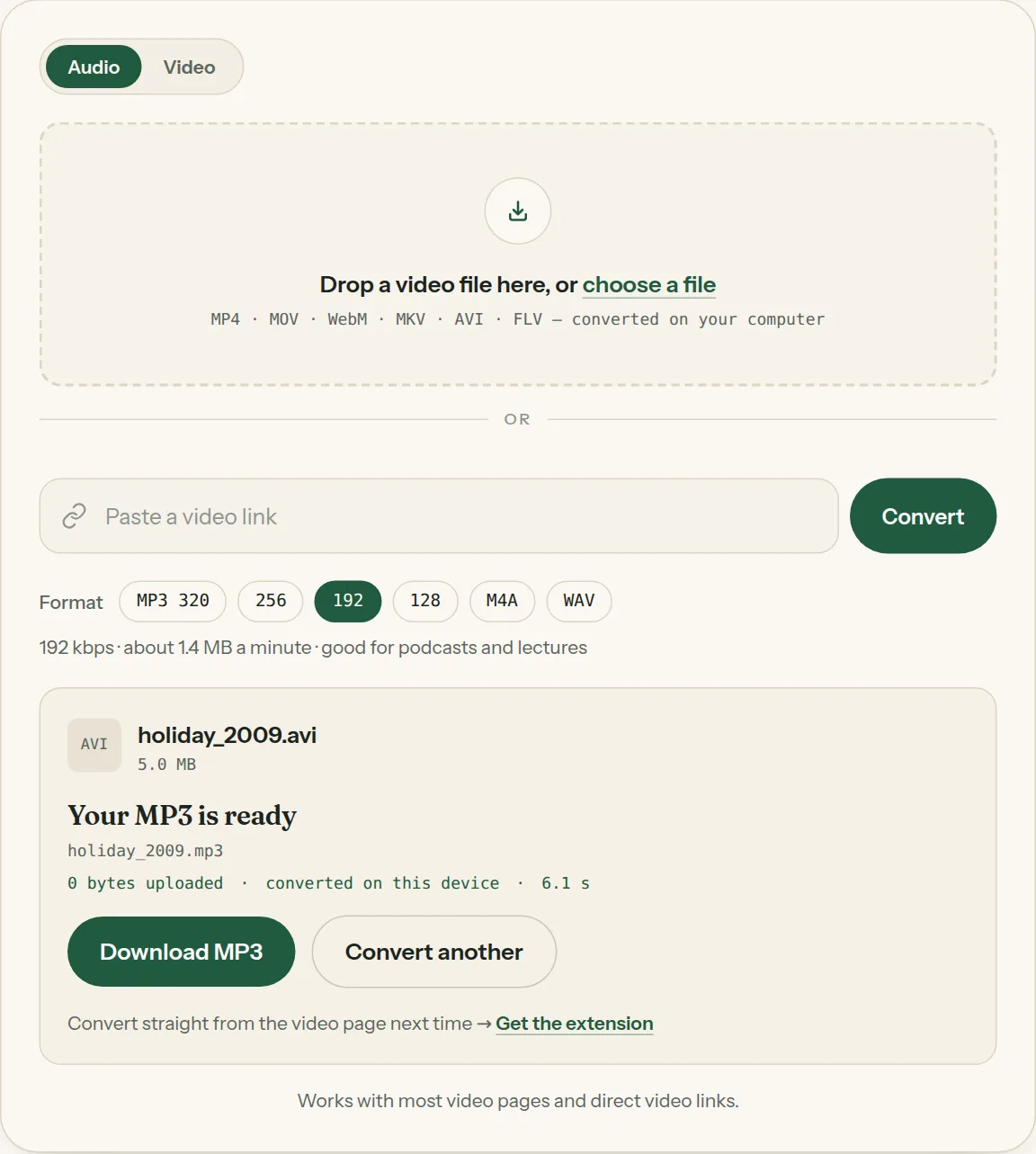
- 0 bytes uploaded.
Which file do you have?
| Extension | Usually from | Sound inside | Converts here? |
|---|---|---|---|
| .avi | Camcorders and PCs from the 2000s, DivX downloads | MP3 or PCM (sometimes AC-3) | Yes — AC-3 no |
| .flv | Flash-era video sites and recorders | MP3 or AAC | Yes |
| .3gp | Older Android and feature phones | AAC (very old phones: AMR) | AAC yes, AMR no |
| .m4v | iTunes and Apple TV exports | AAC | Yes |
| .ts / .m2ts | TV tuners, AVCHD camcorders | AAC, MP2 or AC-3 | Usually not — save as MP4 first |
| .mpg / .mpeg | DVD rips, VCDs, camcorders and TV recordings | MP2 or AC-3 | No — save as MP4 first |
| .wmv | Windows Movie Maker, old Windows phones | Windows Media Audio | No — save as MP4 first |
MPEG files (.mpg, .mpeg)
"MPEG" means two different things. MPEG-4 is the .mp4 format almost every video uses today — those convert here, large files included. MPEG-1 and MPEG-2 are the older .mpg and .mpeg files from DVDs, VCDs and early camcorders. Browsers can't read those files or their MP2 sound yet, so the converter tells you instead of saving silence.
When your browser can't read the sound
Open the video in your computer's player and save a copy as MP4: VLC (Media → Convert / Save → Video – H.264 + MP3 (MP4)), QuickTime on Mac (File → Export As), or Photos / Clipchamp on Windows. Then drop the MP4 in. It takes a minute and works for .mpg, .ts, .wmv and AC-3 tracks alike.
AVI, MPEG & other formats, step by step
1Pick MP3 and a quality in the format row.
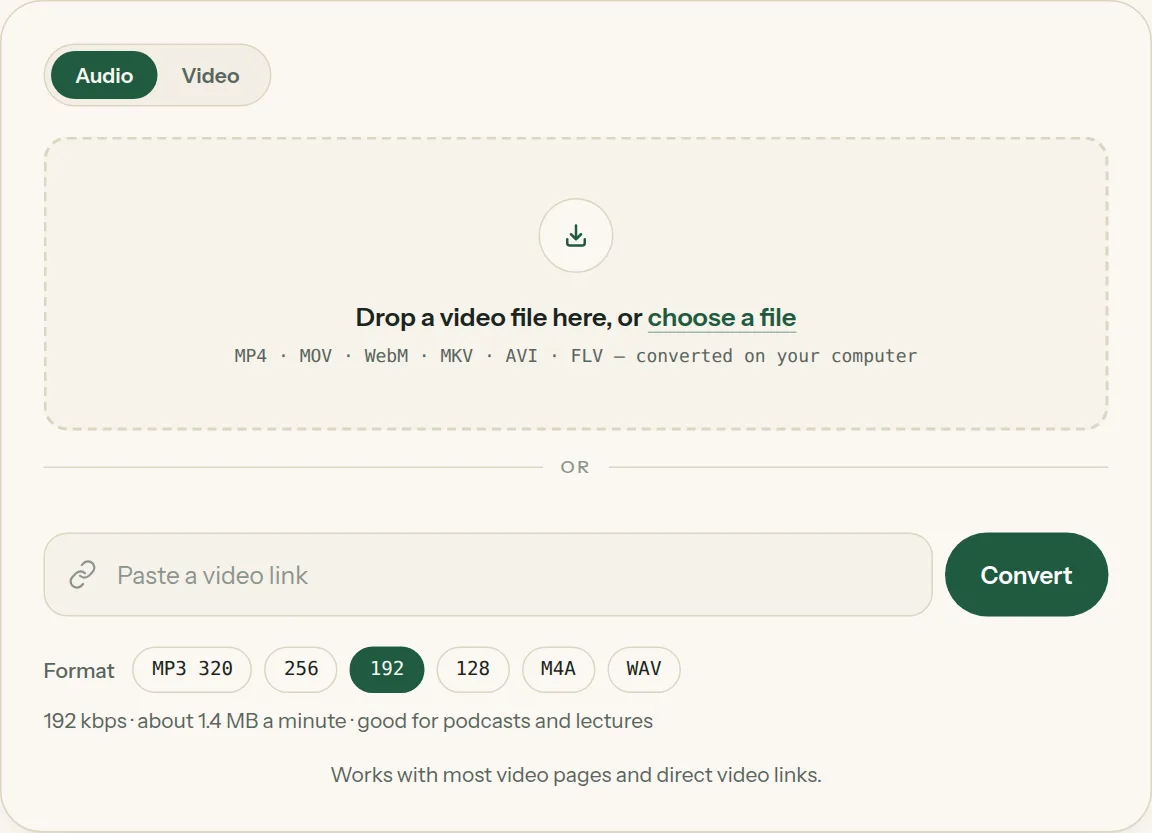
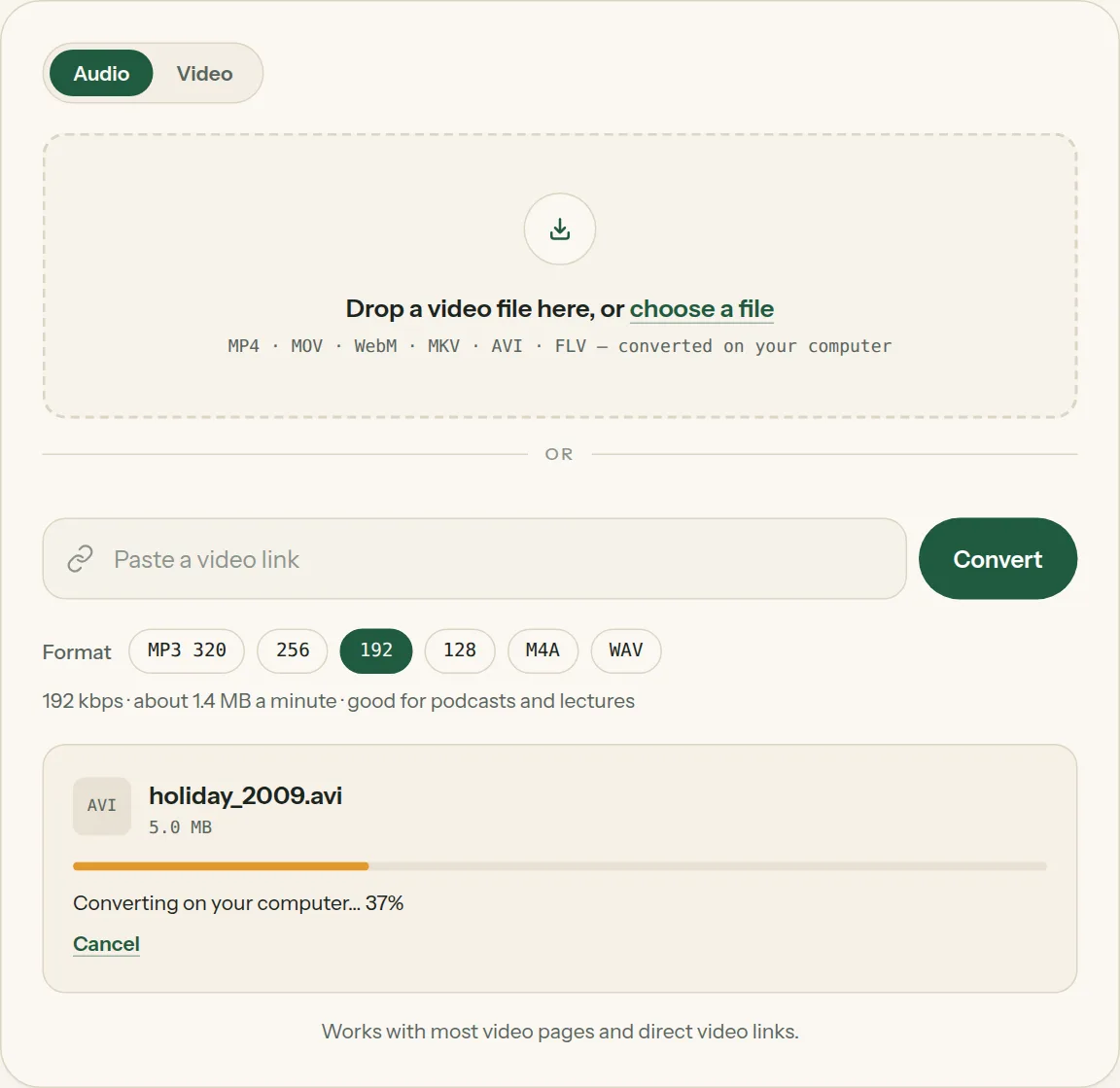
2Drop the file into the box (or tap choose a file). The bar shows how far your computer has got.
3Click Download when the file is ready. Nothing was uploaded.
Questions about AVI, MPEG & other formats
All questions →Can I convert MPEG to MP3 here?
MPEG-4 (.mp4) files, yes. Older .mpg and .mpeg files (MPEG-1 and MPEG-2) can't be read by browsers yet — save them as MP4 in VLC or QuickTime first, then drop the MP4 in.
Can I convert WMV to MP3 here?
If the WMV's sound is Windows Media Audio, browsers can't decode it. Save the video as MP4 in your video player first, then drop the MP4 here.
Is AVI to MP3 lossless?
MP3 is compressed. If the AVI has PCM (uncompressed) sound and you want to keep every bit, choose WAV instead.
Converting every day? Do it from the video page.
The Video to MP3 Converter extension sits beside the video you're watching. One click saves the audio to your Downloads folder, and it can save a whole playlist in one go.
Membership — $5 a month, $36 a year, or $99 once. One membership works here and in the extension.
See plans