
WebM to MP3 Converter
WebM files from screen recorders and browsers usually carry Opus or Vorbis sound, which many players, car stereos and editors won't open. Converting to MP3 makes that audio play everywhere, at up to 320 kbps, without uploading the file. A 30-second WebM is done in under two seconds, and video-only files are flagged instead of saved as silence.
Works with most video pages and direct video links.
Key facts
- Reads Opus and Vorbis sound from .webm files, right in your browser.
- A 30-second WebM becomes an MP3 in about 1.5 seconds.
- Video-only WebM files show "This video has no sound track." instead of an empty MP3.
Does a WebM file have audio?
Usually, yes. WebM is the format browsers and many screen recorders save to, and its sound is Opus or Vorbis — both good quality, but not every player, car stereo or editor opens them. Converting to MP3 makes the audio play everywhere.
Some WebM files are video only: animated stickers, GIF replacements, and screen recordings made with the microphone off. For those you'll see "This video has no sound track." instead of an empty MP3.
Where WebM files come from
- Screen recorders like OBS (with WebM output), Loom downloads and browser-based recorders.
- Video calls and webinars recorded in the browser.
- Files saved with "Save video as…" from a web page.
WebM to MP3, step by step
1Pick MP3 and a quality in the format row.
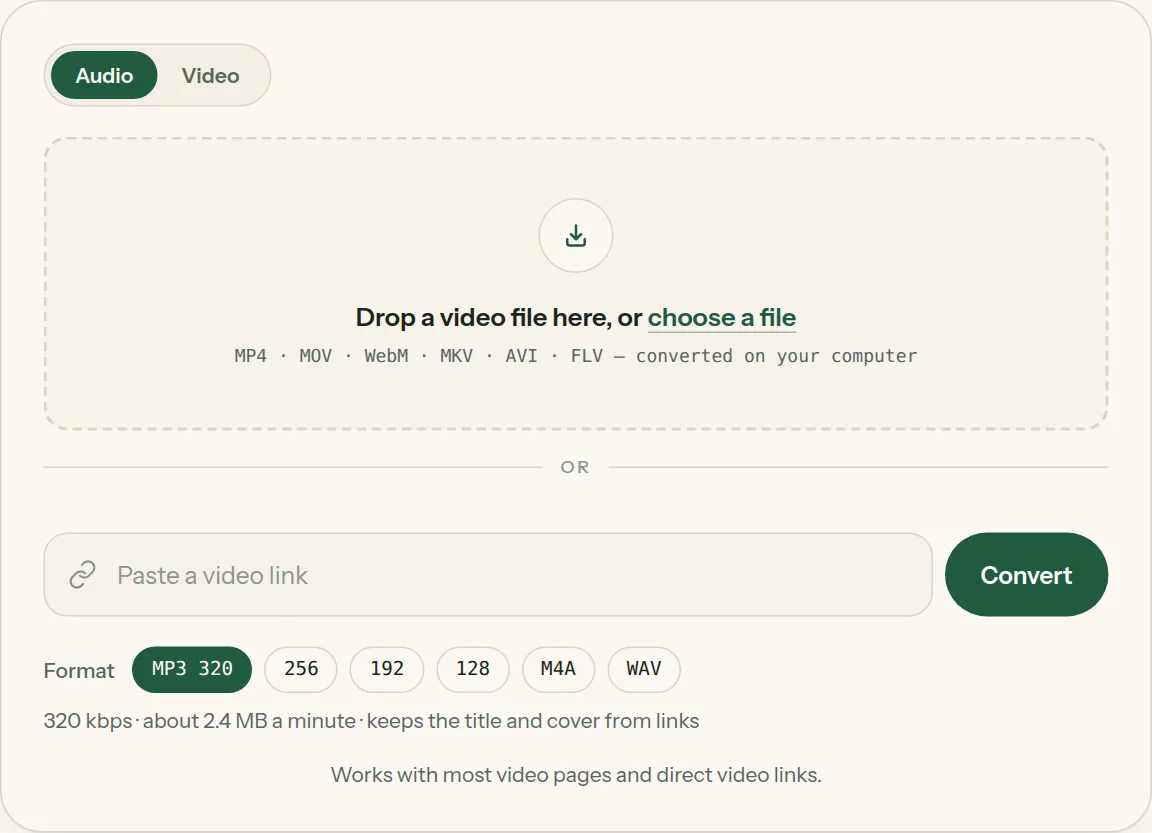
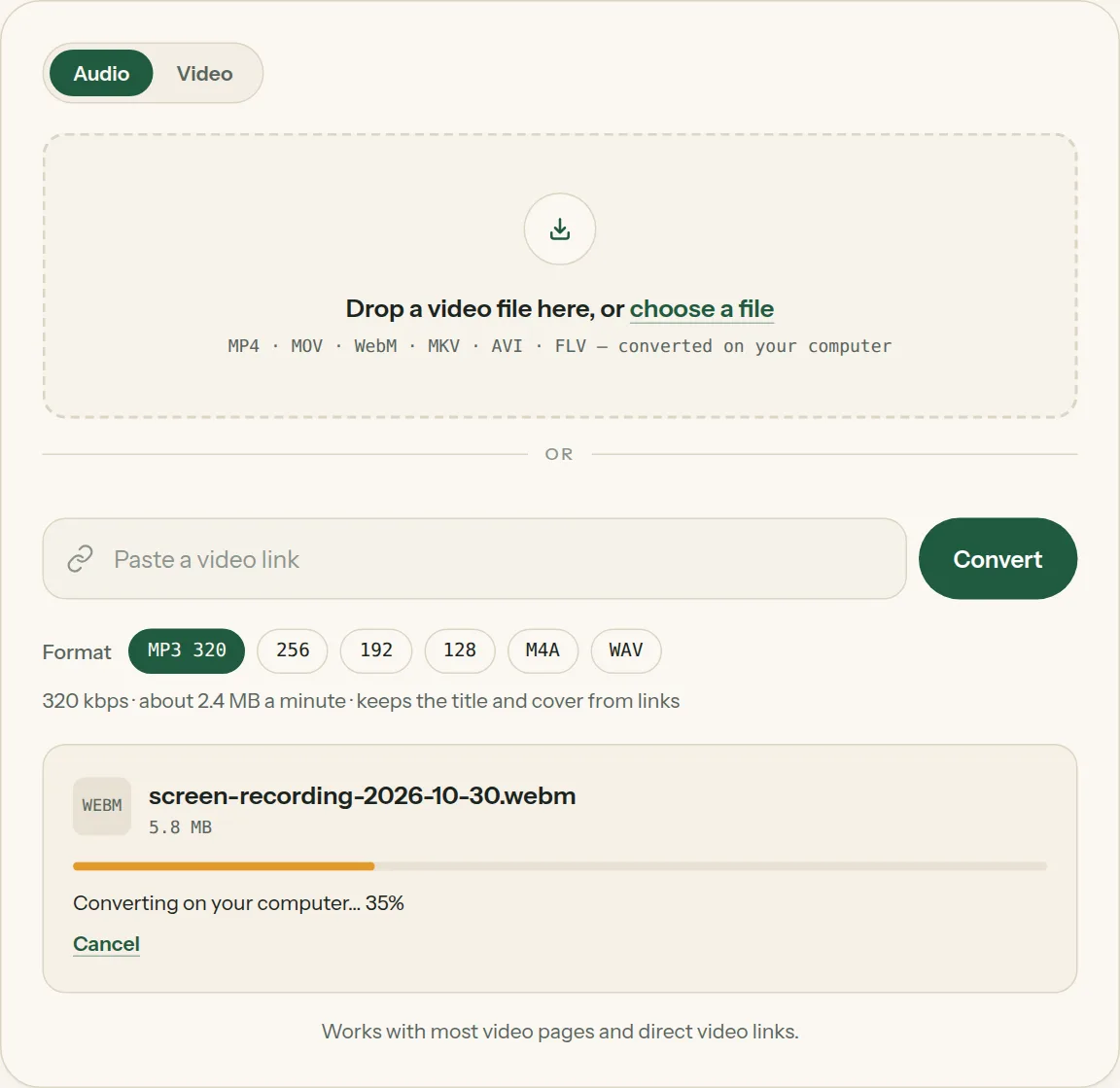
2Drop the file into the box (or tap choose a file). The bar shows how far your computer has got.
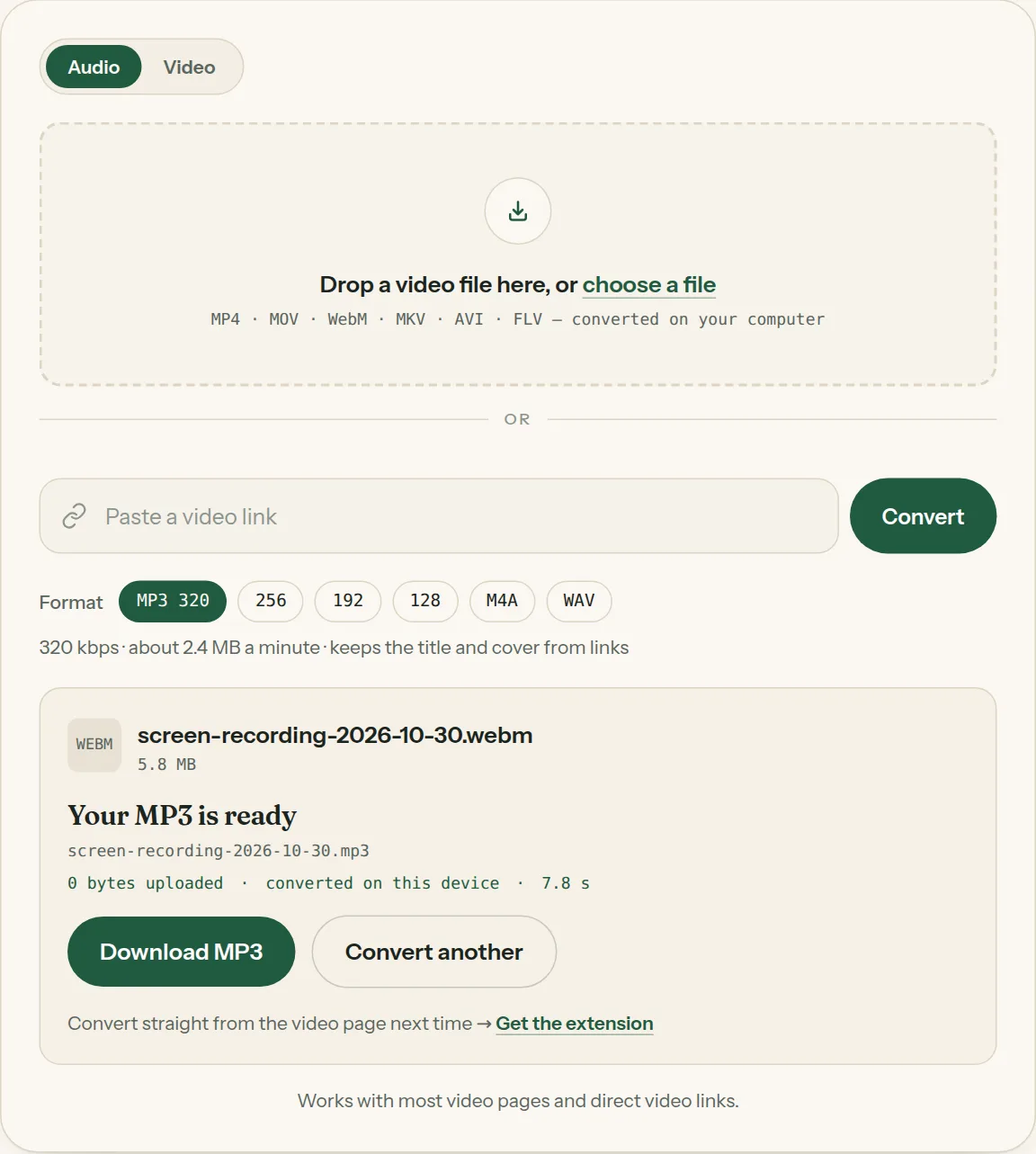
3Click Download when the file is ready. Nothing was uploaded.
Questions about WebM to MP3
All questions →Will I lose quality converting WebM to MP3?
Opus and Vorbis are already compressed. Pick MP3 320 to keep what's there, or WAV to avoid any further loss.
Can I convert WebM to MP3 without uploading?
Yes — that's how this converter works. The file is read and converted in your browser.
Converting every day? Do it from the video page.
The Video to MP3 Converter extension sits beside the video you're watching. One click saves the audio to your Downloads folder, and it can save a whole playlist in one go.
Membership — $5 a month, $36 a year, or $99 once. One membership works here and in the extension.
See plans