
MP4 to WAV Converter
MP4 to WAV gives you uncompressed 16-bit PCM audio from a video at its own sample rate — usually 48 kHz — the format Premiere, Final Cut, Audacity and GarageBand import without a prompt. It converts in your browser, so nothing is uploaded; a one-minute clip is done in under a second. Expect about 11 MB per stereo minute.
Works with most video pages and direct video links.
Key facts
- WAV output: 16-bit PCM, stereo or mono as in the video, at the video's own sample rate — nothing is resampled.
- Size: 11.5 MB per minute at 48 kHz stereo (10.6 MB at 44.1 kHz); an hour is 635–690 MB.
- A one-minute clip becomes a WAV in under a second, with 0 bytes uploaded.
What kind of WAV you get
The WAV is standard 16-bit PCM, stereo (or mono if the video is mono), at the same sample rate as the video — usually 48 kHz for cameras and phones, 44.1 kHz for music videos. That's what Premiere, Final Cut, DaVinci Resolve, Audacity and GarageBand expect, so it imports without a conversion prompt.
WAV is big: 11.5 MB a minute in stereo at 48 kHz (10.6 MB at 44.1 kHz). An hour of audio is 635–690 MB. If you only need to listen, pick MP3 in the same format row — it is a tenth of the size.
Other videos to WAV
The same box takes .mov (iPhone, QuickTime), .webm, .mkv and .avi files — WAV comes out the same way. For an online video, paste the link; WAV is available for links as well.
MP4 to WAV, step by step
1Pick WAV in the format row.
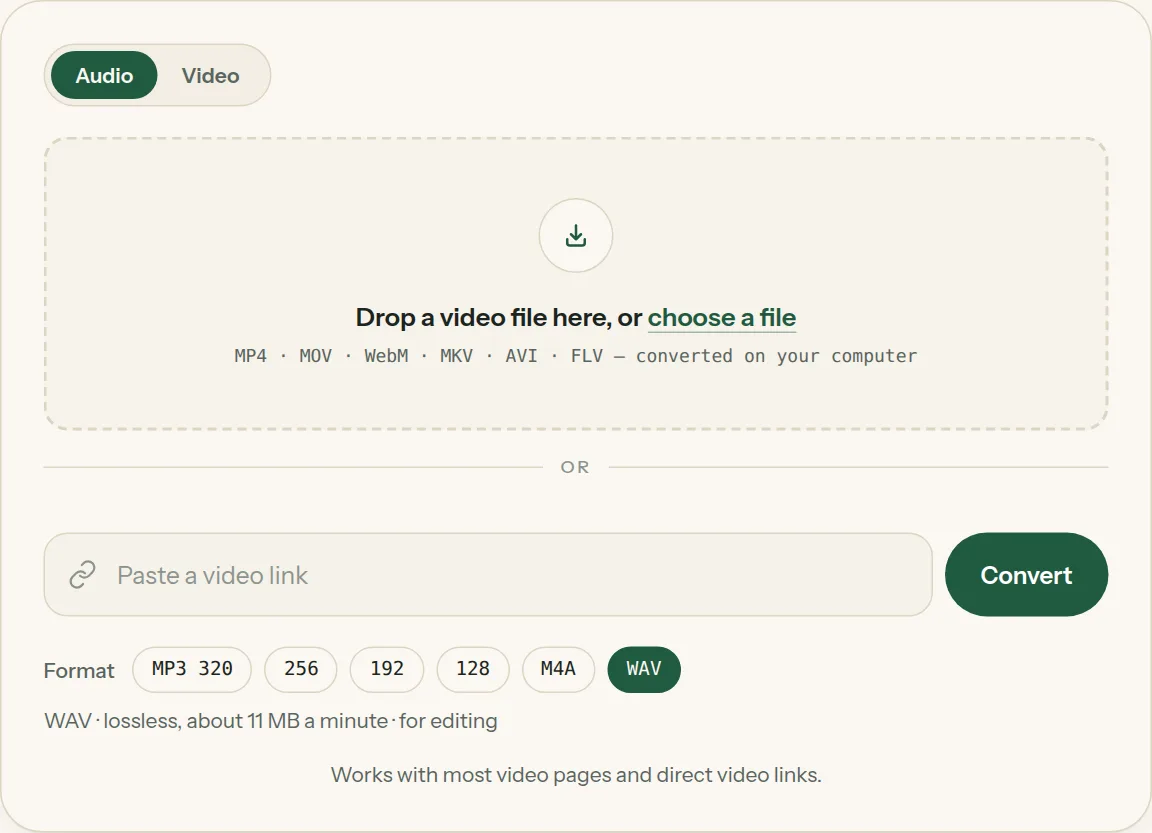
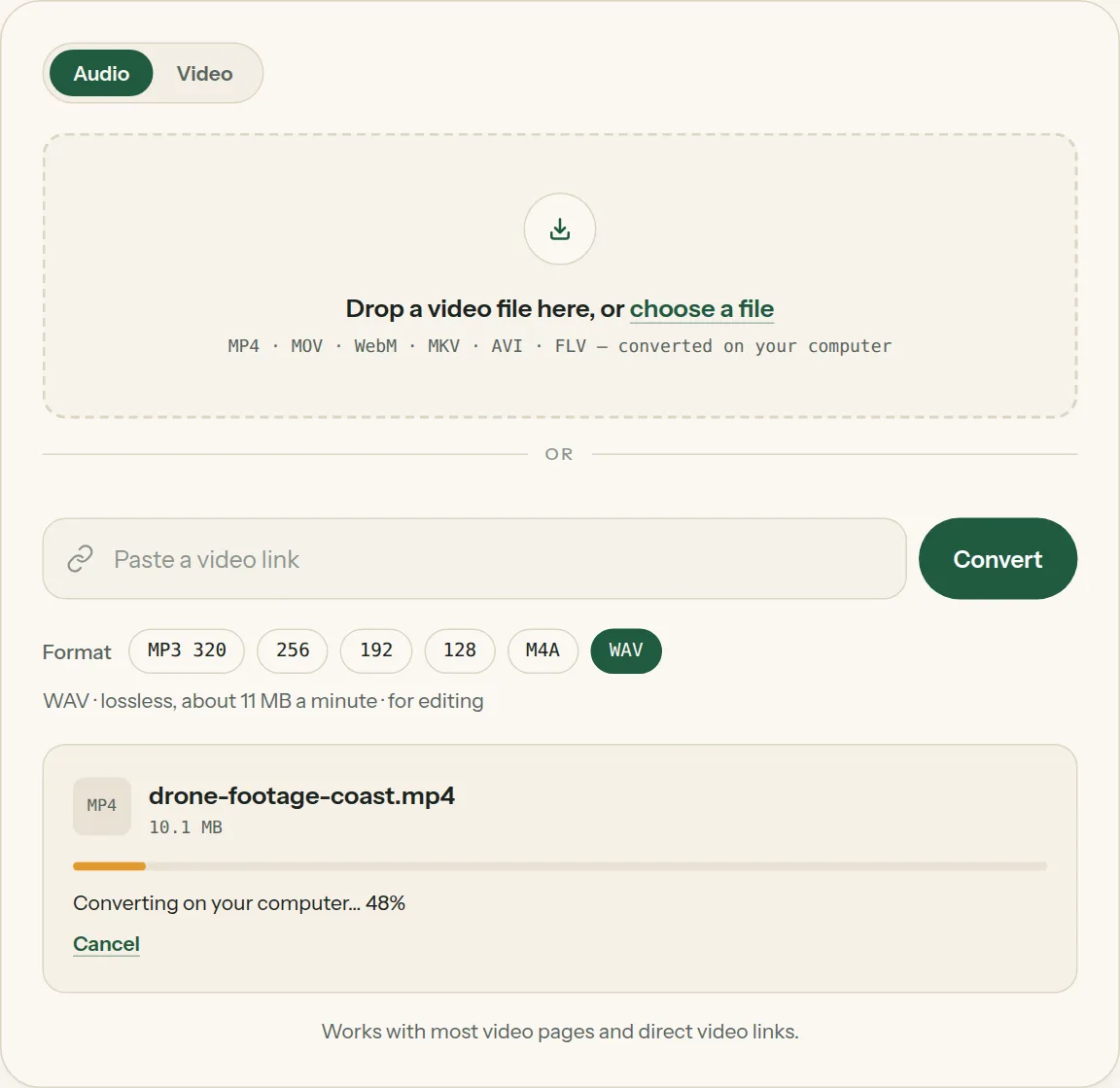
2Drop the file into the box (or tap choose a file). The bar shows how far your computer has got.
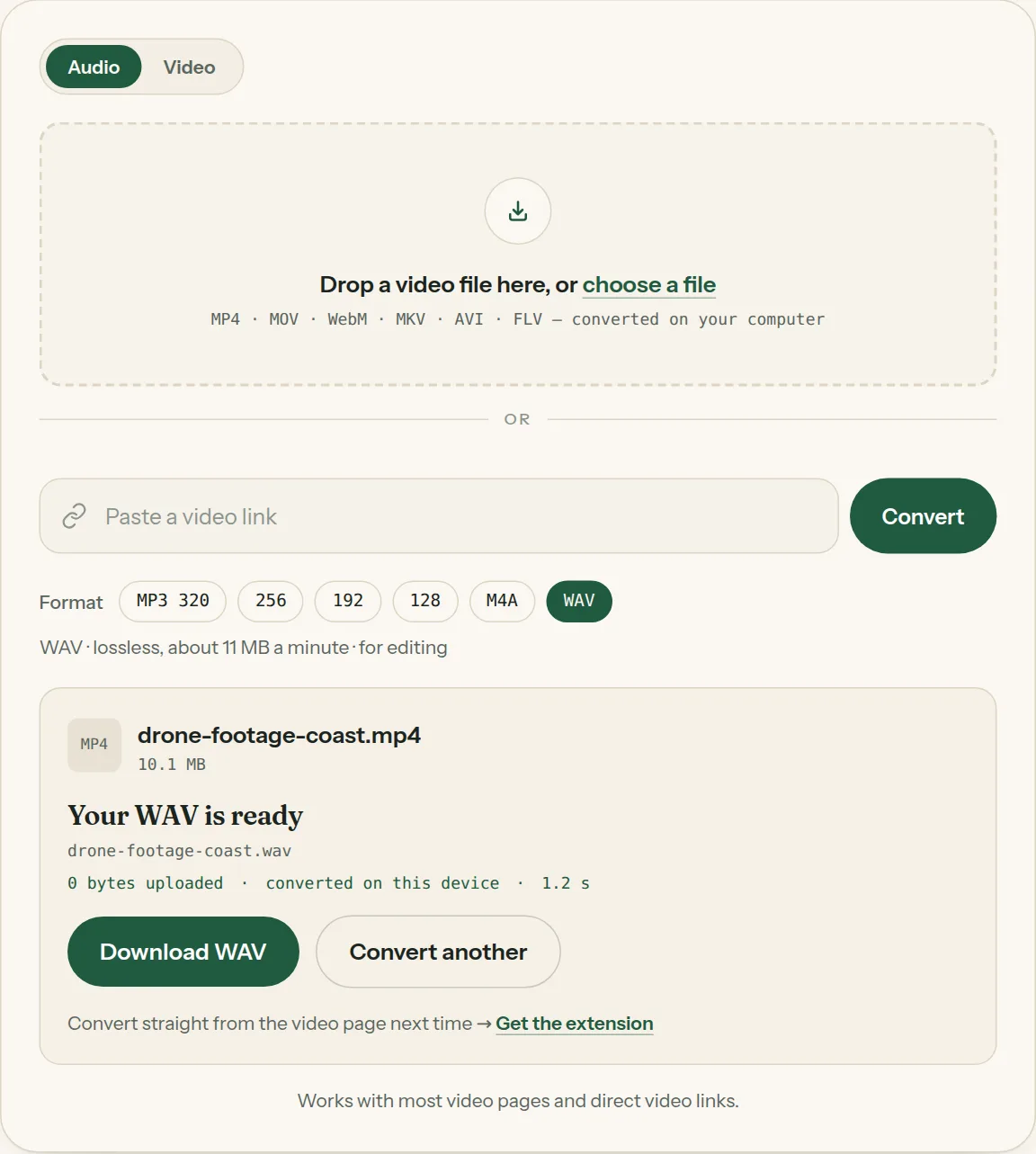
3Click Download when the file is ready. Nothing was uploaded.
Questions about MP4 to WAV
All questions →Is MP4 to WAV lossless?
WAV itself is lossless, so nothing more is lost in the conversion. The quality can't be better than the sound already in the MP4.
What sample rate will the WAV have?
The same as the video's audio, usually 48 kHz. Nothing is resampled.
Can I convert MOV to WAV here?
Yes. Drop the .mov file in and choose WAV.
Converting every day? Do it from the video page.
The Video to MP3 Converter extension sits beside the video you're watching. One click saves the audio to your Downloads folder, and it can save a whole playlist in one go.
Membership — $5 a month, $36 a year, or $99 once. One membership works here and in the extension.
See plans