
Extract Audio from Video
Extracting audio gives you a video's whole soundtrack as a separate file, start to finish, at the original sample rate, so it lines up with the picture again in Premiere, DaVinci Resolve or CapCut. Choose lossless WAV for editing or MP3 for transcripts and listening. Files never leave your browser; links from most video sites work too.
Works with most video pages and direct video links.
Key facts
- The full soundtrack is extracted, at the original sample rate (usually 48 kHz) — nothing is trimmed or resampled.
- WAV is 16-bit PCM; MP3 is 128–320 kbps.
- Files: MP4, MOV, WebM, MKV, AVI, FLV and 3GP, converted in the browser.
A clean track for your edit
Extracting gives you the soundtrack on its own, without re-recording anything. The tool copies the full length of the audio, start to finish, at the original sample rate — so it lines up frame-for-frame when you drop it back on a timeline next to the video.
- WAV for editing, noise reduction and mixing — no compression artefacts to fight.
- MP3 · 192 for sending to a transcription service or a colleague — small and quick to upload.
- MP3 · 320 for music you want to keep.
Extract audio from a video link
If the video is online, paste its address into the same box instead of downloading it first. Links also give you M4A and keep the video's title in the file.
What extracting can't do
The soundtrack comes out as one mixed track — voice, music and effects together, just as they play. Separating a voice from the music needs a stem-separation tool. Multi-track recordings (some MKV and camera files) give you the first audio track.
Extract audio, step by step
1Choose WAV for editing or MP3 for listening.
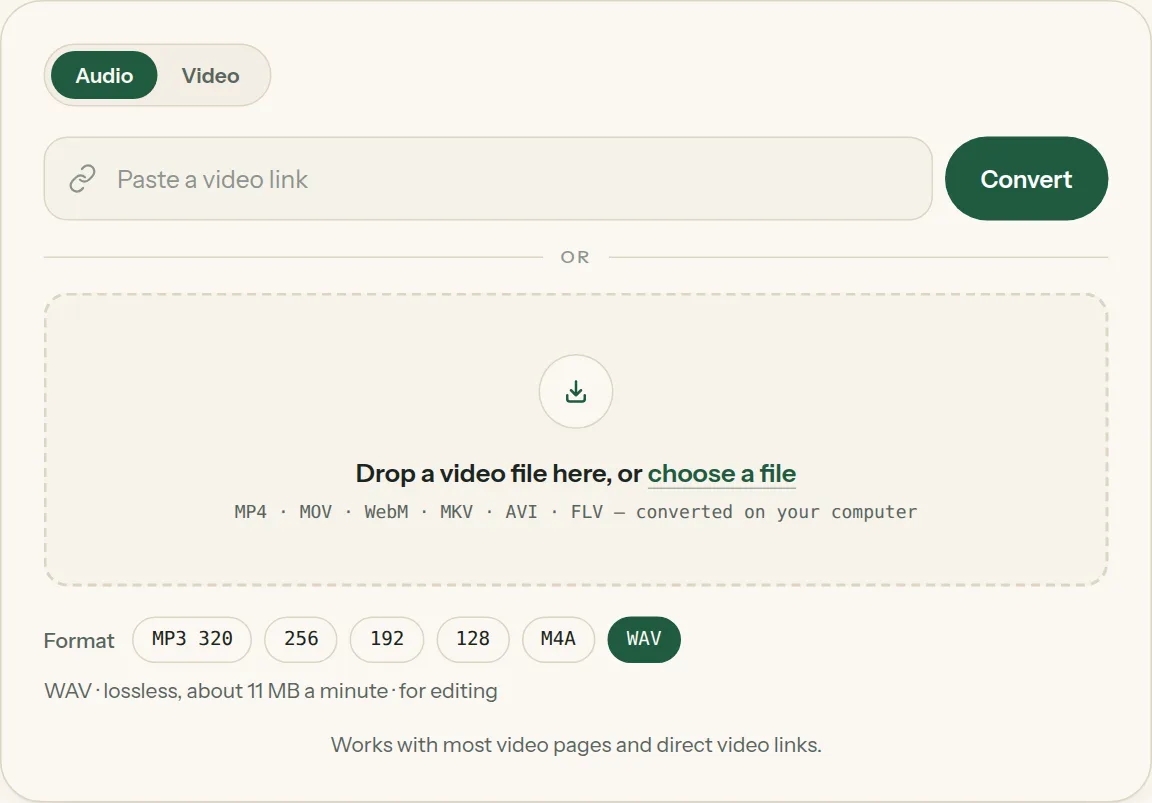
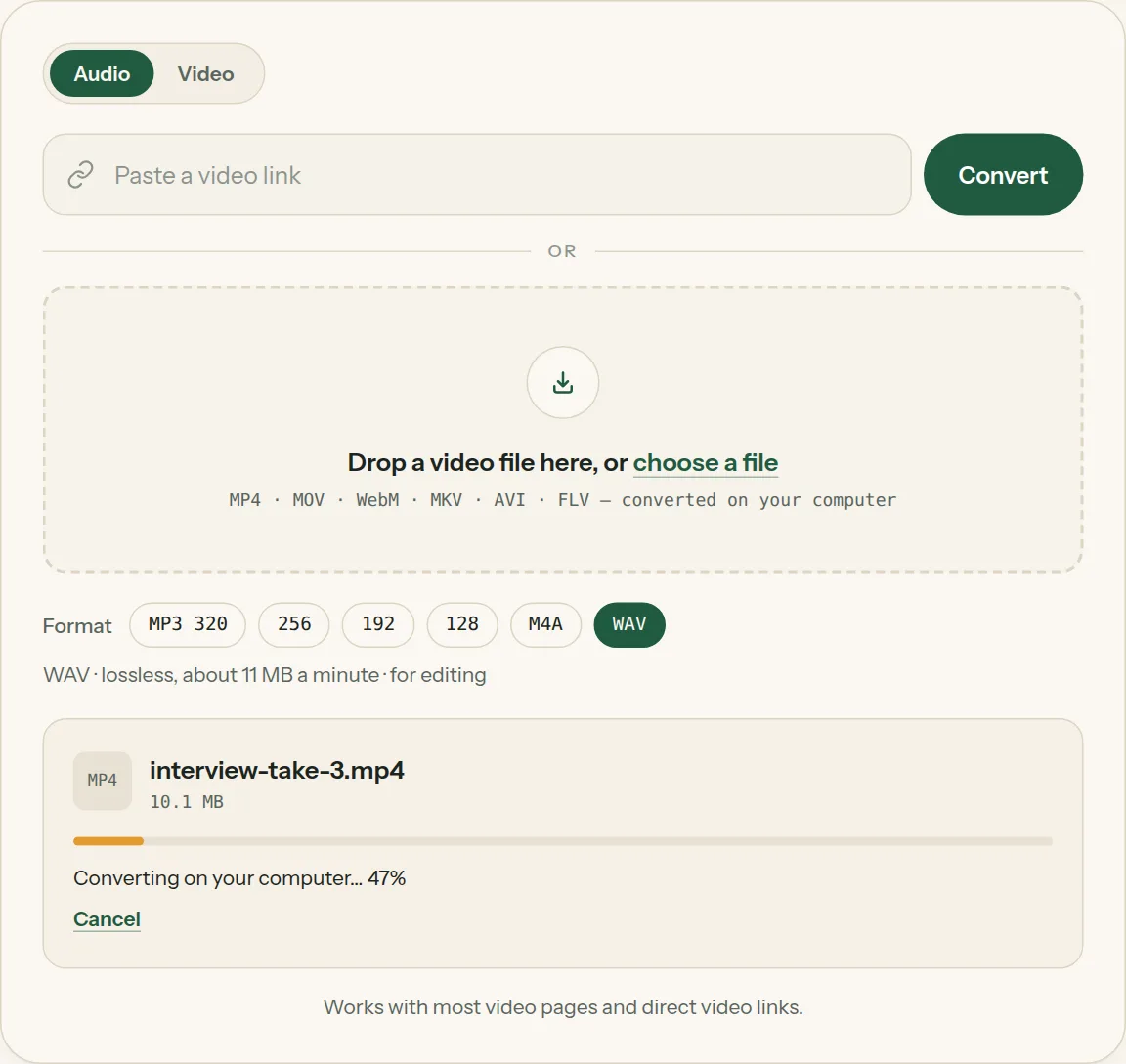
2Drop the file into the box (or tap choose a file). The bar shows how far your computer has got.
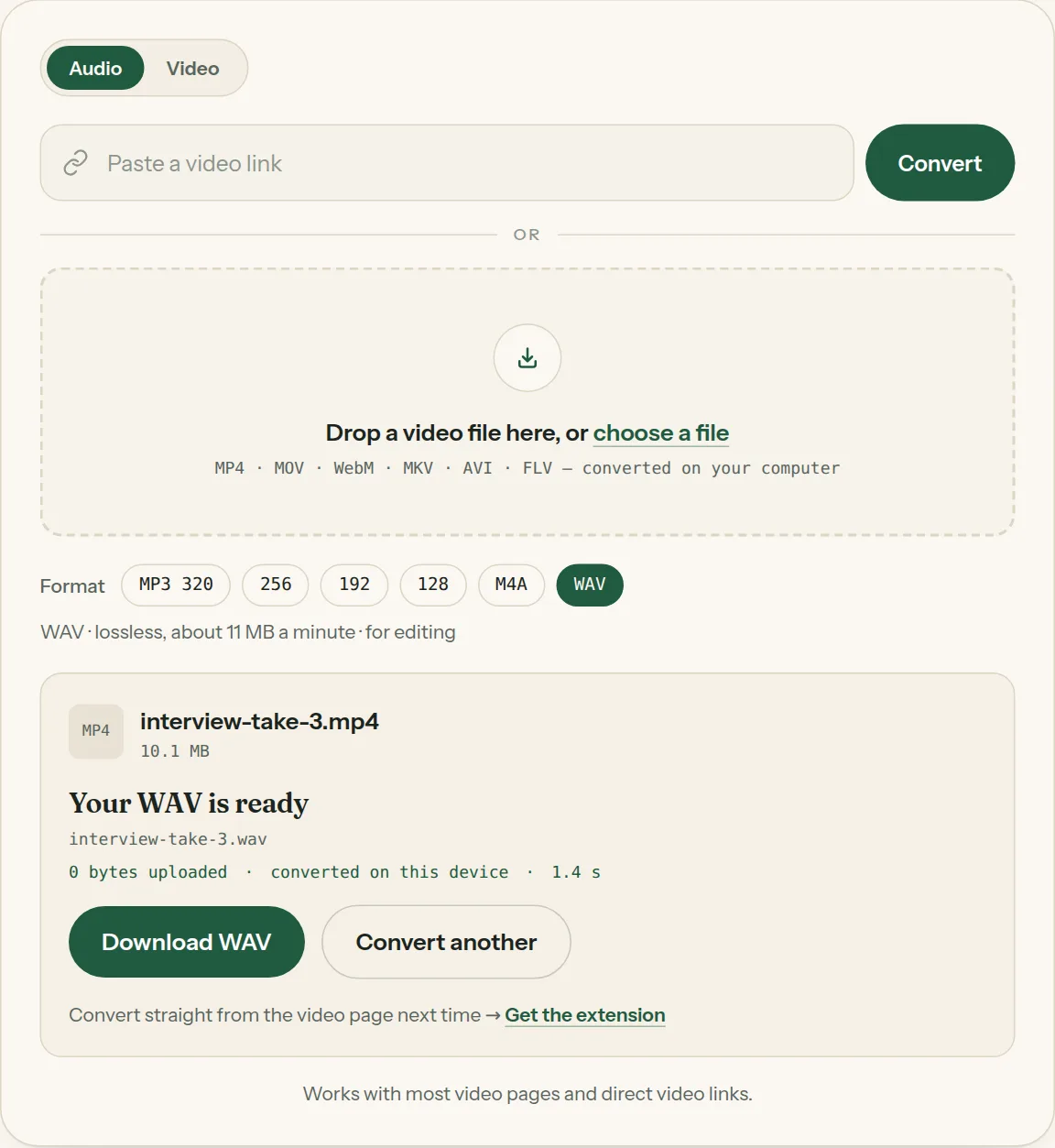
3Click Download when the file is ready. Nothing was uploaded.
Questions about Extract audio
All questions →Does extracting audio change the timing?
No. The audio starts and ends exactly where the video's sound does, so it stays in sync when you line it up again.
Can I extract just the music, without the voices?
No — the whole soundtrack is extracted as it is. Separating voice from music needs a stem-separation tool.
Which video formats can I extract audio from?
MP4, MOV, WebM, MKV, AVI, FLV and 3GP files, plus most video links.
Converting every day? Do it from the video page.
The Video to MP3 Converter extension sits beside the video you're watching. One click saves the audio to your Downloads folder, and it can save a whole playlist in one go.
Membership — $5 a month, $36 a year, or $99 once. One membership works here and in the extension.
See plans