
SoundCloud to MP3
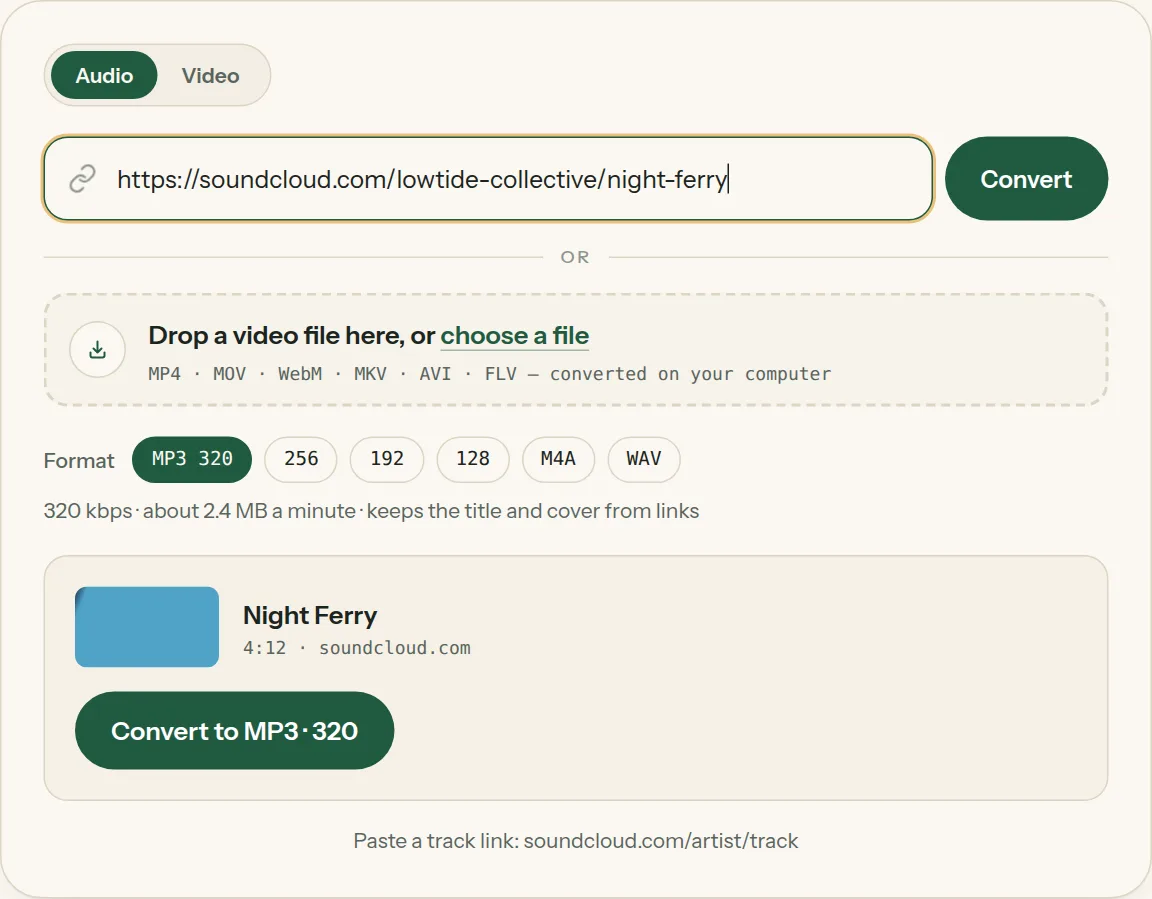
SoundCloud to MP3 saves a public track, mix or DJ set as MP3 up to 320 kbps or WAV, with the track title and artwork filled in, from just the track's link. Every public track that isn't copy-protected converts on the first try, usually in under a minute. Long mixes and DJ sets of up to two hours work.
Paste a track link: soundcloud.com/artist/track
Video to MP3 Converter is not affiliated with or endorsed by SoundCloud. It converts public content only — save what you have the right to keep, and respect the people who made it.
Where to find Copy link on SoundCloud

Key facts
- Every public track that isn't copy-protected converts on the first try, usually in under a minute; a typical MP3 is about 5.5 MB.
- MP3 files carry the track title, artist and artwork.
- Long mixes and DJ sets work up to two hours.
Copy the track link
- On a computer: open the track and copy the address from the address bar, or click Share → Copy.
- In the SoundCloud app: tap ⋯ → Share → Copy link, then paste it here in your phone's browser.
Paste one track at a time. Long mixes and DJ sets work up to two hours.
MP3 or WAV?
SoundCloud streams are already compressed, so MP3 320 keeps all of it. Choose WAV only if you're loading the track into DJ or editing software that wants it.
SoundCloud to MP3, step by step
1Copy the SoundCloud track link.
2Paste the link into the box above. The title and length appear in a moment.
3Pick MP3 and a quality (or WAV), then click Convert. The bar moves from Fetching to Converting.
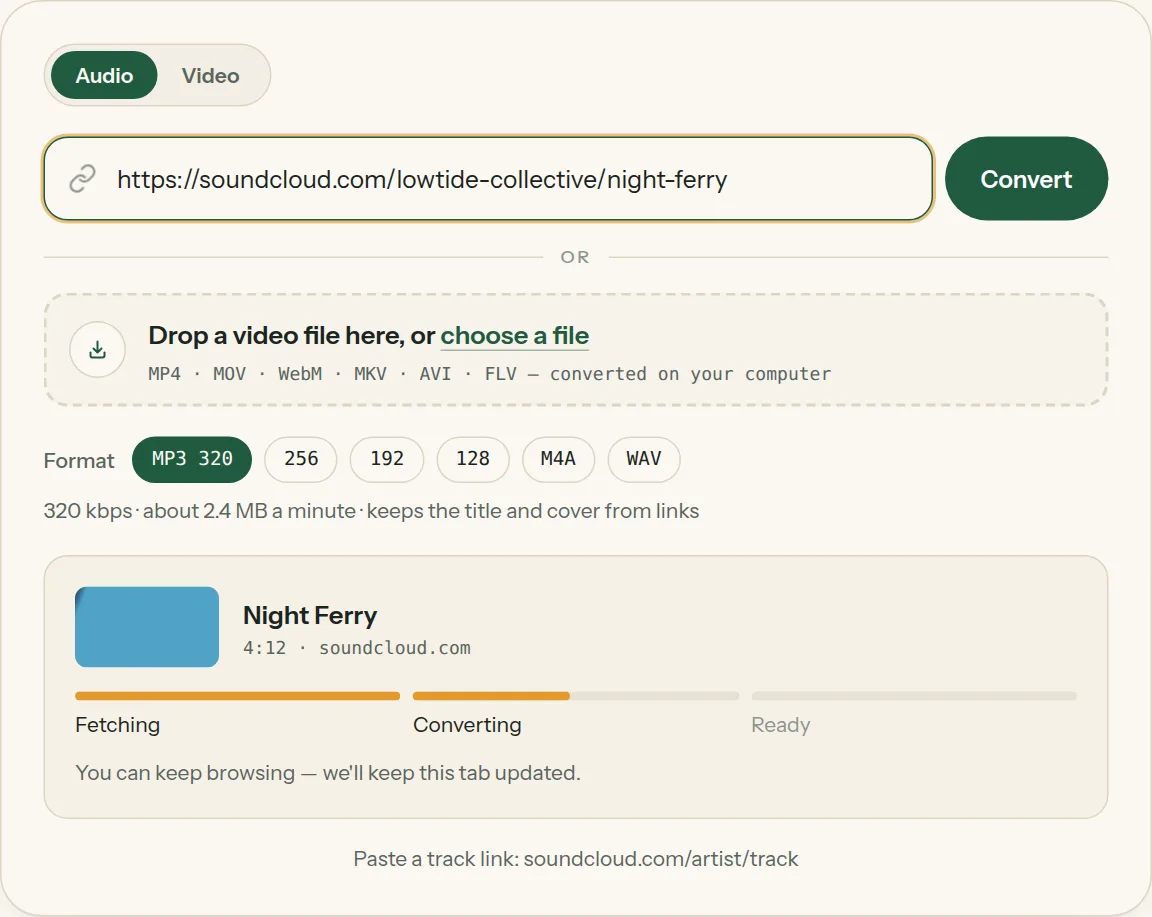
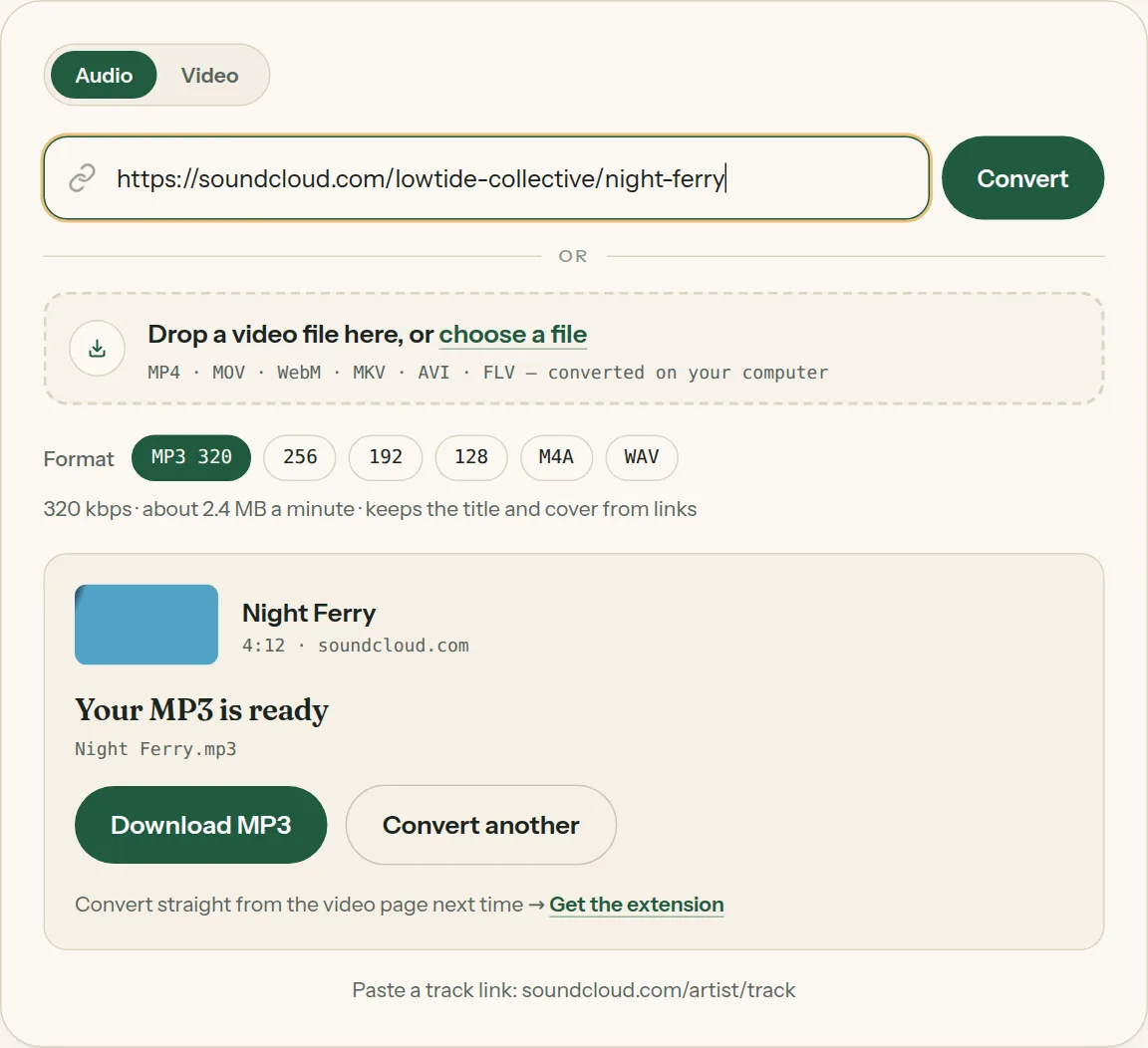
4Click Download MP3 when it says your MP3 is ready.
Questions about SoundCloud to MP3
All questions →Can I save a whole SoundCloud playlist?
Paste tracks one at a time here. The extension can save whole playlists in one go.
Why won't a track convert, and what can I do?
Private tracks, tracks limited to some countries and tracks a record label protects against copying can't be saved, and you're told straight away. Many independent artists offer a download button on their own track page — look for it under the waveform.
Converting every day? Do it from the video page.
The Video to MP3 Converter extension sits beside the video you're watching. One click saves the audio to your Downloads folder, and it can save a whole playlist in one go.
Membership — $5 a month, $36 a year, or $99 once. One membership works here and in the extension.
See plans