
Video to Audio Converter
Video to audio saves just the sound of a video — from a link or a file on your computer — as MP3 to play anywhere, M4A for iPhone and Apple Music, or lossless WAV for editing. Files are converted in your browser and never uploaded; links keep the title and cover. M4A is available for links.
Works with most video pages and direct video links.
Key facts
- Three audio formats: MP3 (128–320 kbps), M4A (AAC) and WAV (16-bit PCM).
- Rough size per minute: MP3 320 ≈ 2.4 MB, M4A ≈ 1 MB, WAV ≈ 10.6–11.5 MB.
- Links: MP3, M4A or WAV, up to 2 hours. Files: MP3 or WAV, converted in the browser.
MP3, M4A or WAV?
All three hold the same sound; they differ in size and in what opens them. Pick by what you'll do next:
| Format | Pick it when | Size per minute | Works from |
|---|---|---|---|
| MP3 | You want a file every phone, car and player can play | 1–2.4 MB | Links and files |
| M4A | You listen on iPhone, iPad or Apple Music | ~1 MB | Links |
| WAV | You'll edit, mix or transcribe the audio | ~11 MB | Links and files |
Not sure? MP3 at 320 kbps plays everywhere. The format comparison goes deeper.
What people use it for
- A podcast or interview you watched as video, to finish on a walk — MP3 · 192.
- A lecture recording to replay before an exam — MP3 · 128 keeps a 90-minute class under 90 MB.
- Dialogue or music for an edit in Premiere, DaVinci Resolve or CapCut — WAV.
- A voice memo recorded as video on a phone — M4A from a link, or MP3 from the file.
Video to audio, step by step
1Paste a link, or drop a video file.
2Choose MP3, M4A or WAV — M4A is selected here.
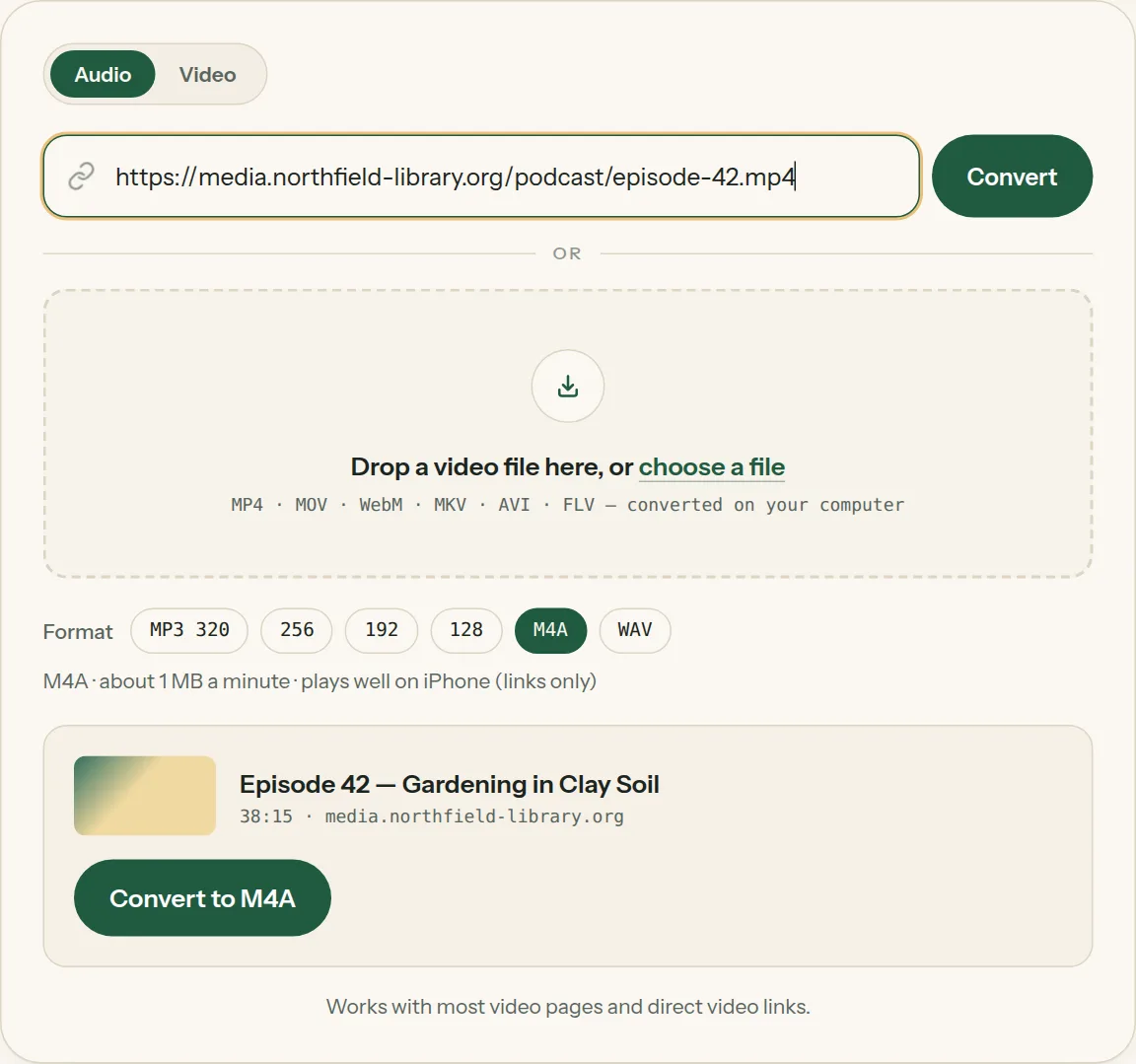
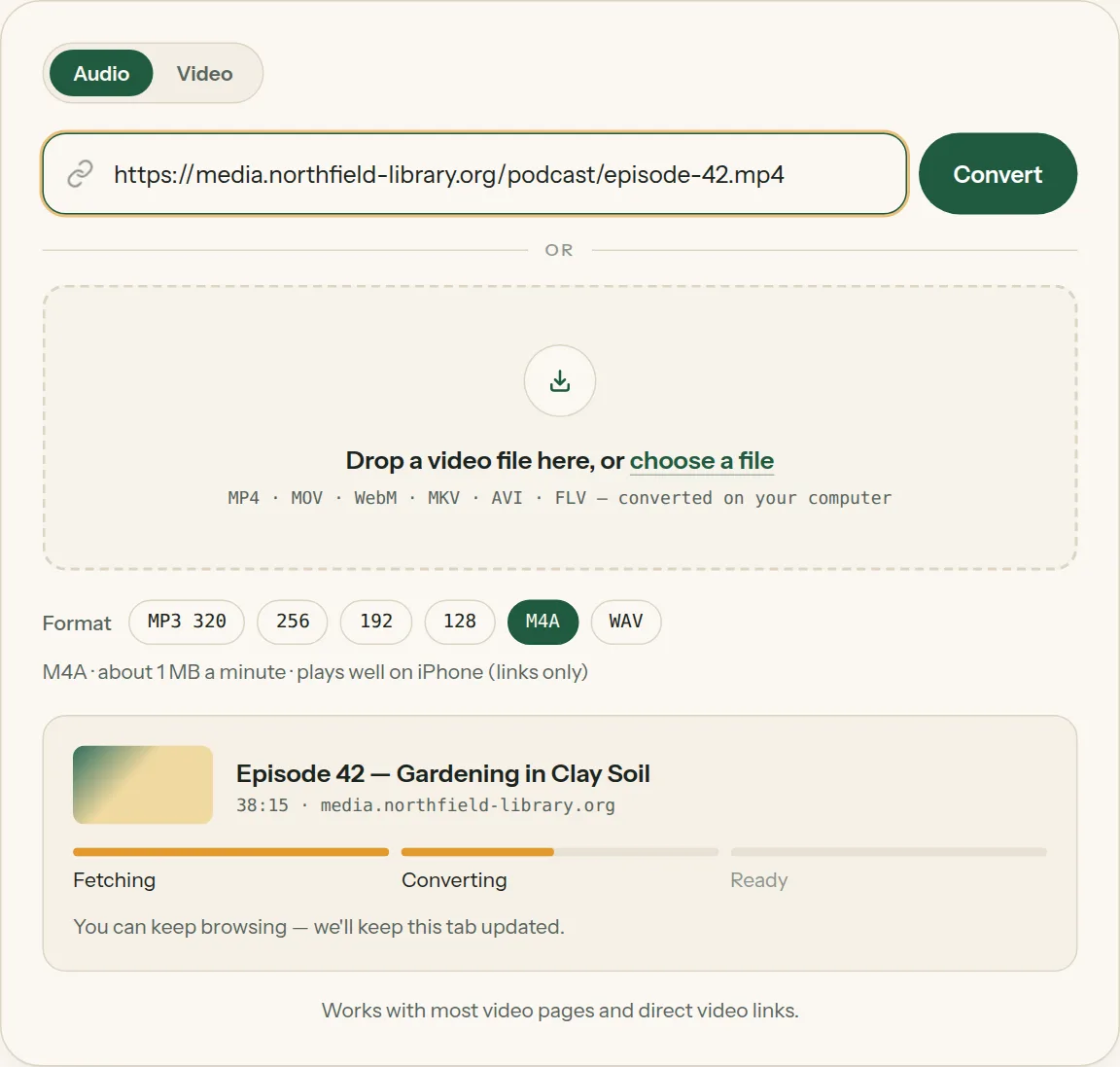
3Click Convert and watch the progress bar.
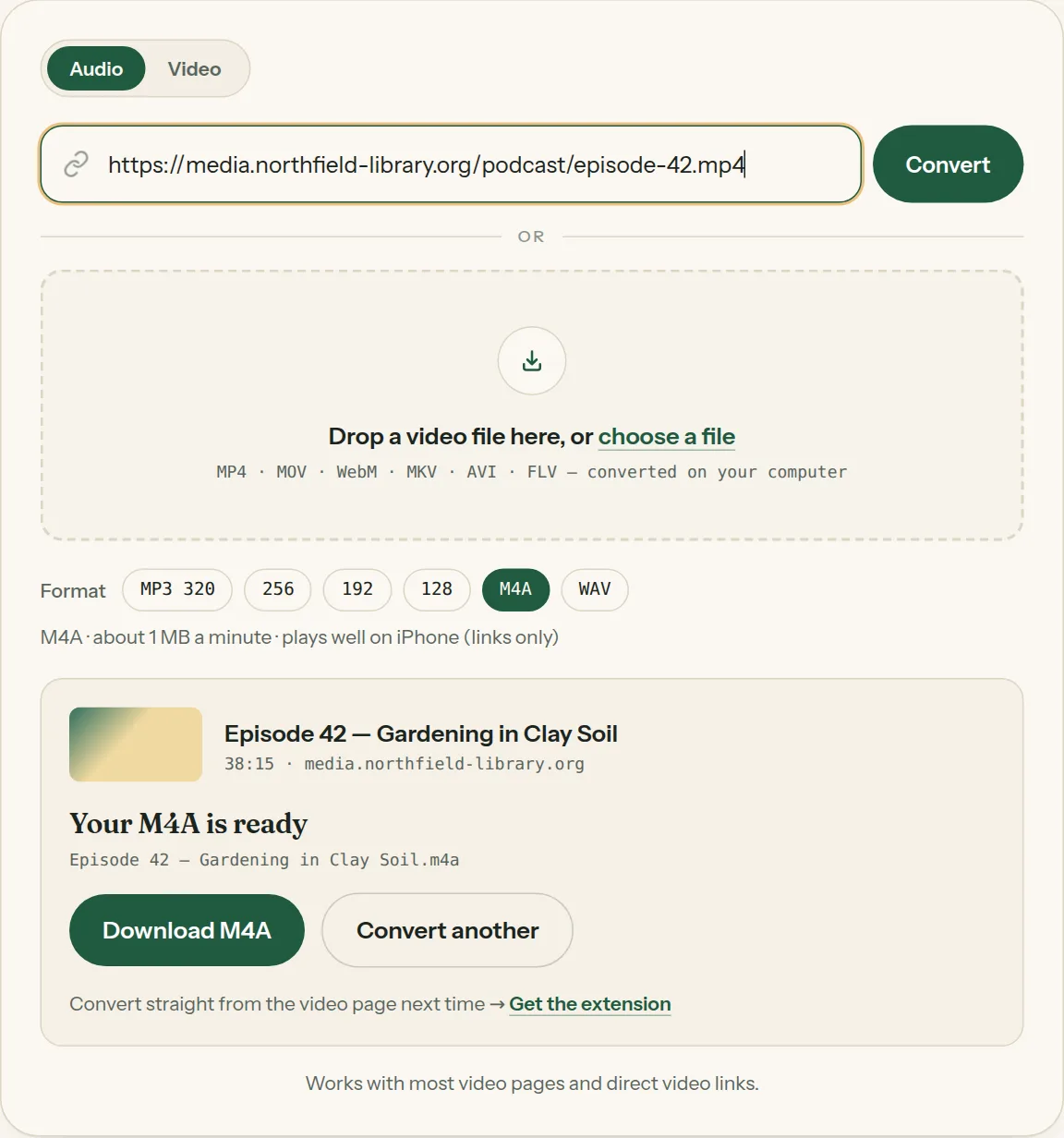
4Download the audio file.
Questions about Video to audio
All questions →What is the best format to convert video to audio?
MP3 if you just want to listen anywhere, M4A for Apple devices, WAV if you'll edit it. All three keep the sound clear.
Can I convert video to audio on my phone?
Yes. Paste a link or pick a video from your phone in any mobile browser; the audio file is saved to your downloads.
Why is M4A only available for links?
Files you drop here are converted inside your browser, and browsers can write MP3 and WAV reliably. Links are converted for you, so M4A is available there.
Converting every day? Do it from the video page.
The Video to MP3 Converter extension sits beside the video you're watching. One click saves the audio to your Downloads folder, and it can save a whole playlist in one go.
Membership — $5 a month, $36 a year, or $99 once. One membership works here and in the extension.
See plans