
Twitch to MP3
Twitch to MP3 saves the sound of clips, highlights and past broadcasts — music streams, talk shows — as MP3 or WAV from the clip or video link. Audio works for broadcasts up to two hours. 100% of public clips and past broadcasts convert on the first try, usually in about half a minute.
Clips and past broadcasts: twitch.tv/videos/… or clips.twitch.tv/…
Video to MP3 Converter is not affiliated with or endorsed by Twitch. It converts public content only — save what you have the right to keep, and respect the people who made it.
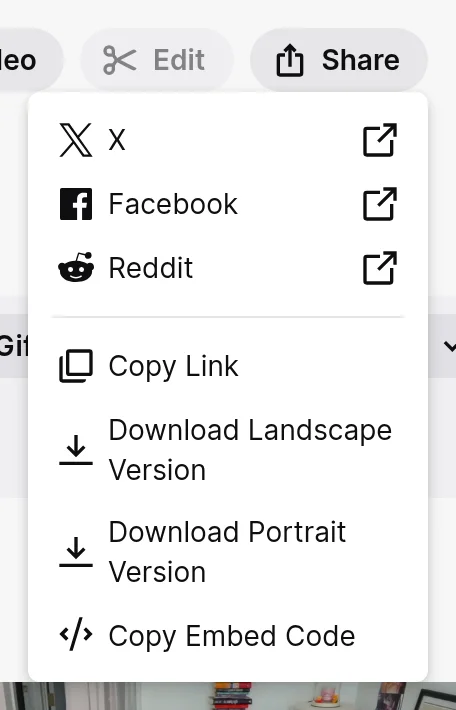
Where to find Copy link on Twitch
Key facts
- 100% of public clips, highlights and past broadcasts convert on the first try, usually in about half a minute.
- MP4 up to 1080p from the Video tab.
- Audio works for broadcasts up to 2 hours.
Clips, highlights and past broadcasts
- Clips — the short moments viewers cut: clips.twitch.tv/… or twitch.tv/<channel>/clip/….
- Highlights and past broadcasts (VODs) — twitch.tv/videos/<number>. Open the Videos tab on a channel and copy the address.
Long streams
Audio works for videos up to two hours. For a longer stream, a highlight the streamer cut or a clip of the part you want works just as well. A two-hour stream at MP3 · 128 is about 115 MB; 192 suits talk shows, 320 suits music streams.
Twitch to MP3, step by step
1Copy the clip or video link from Twitch.
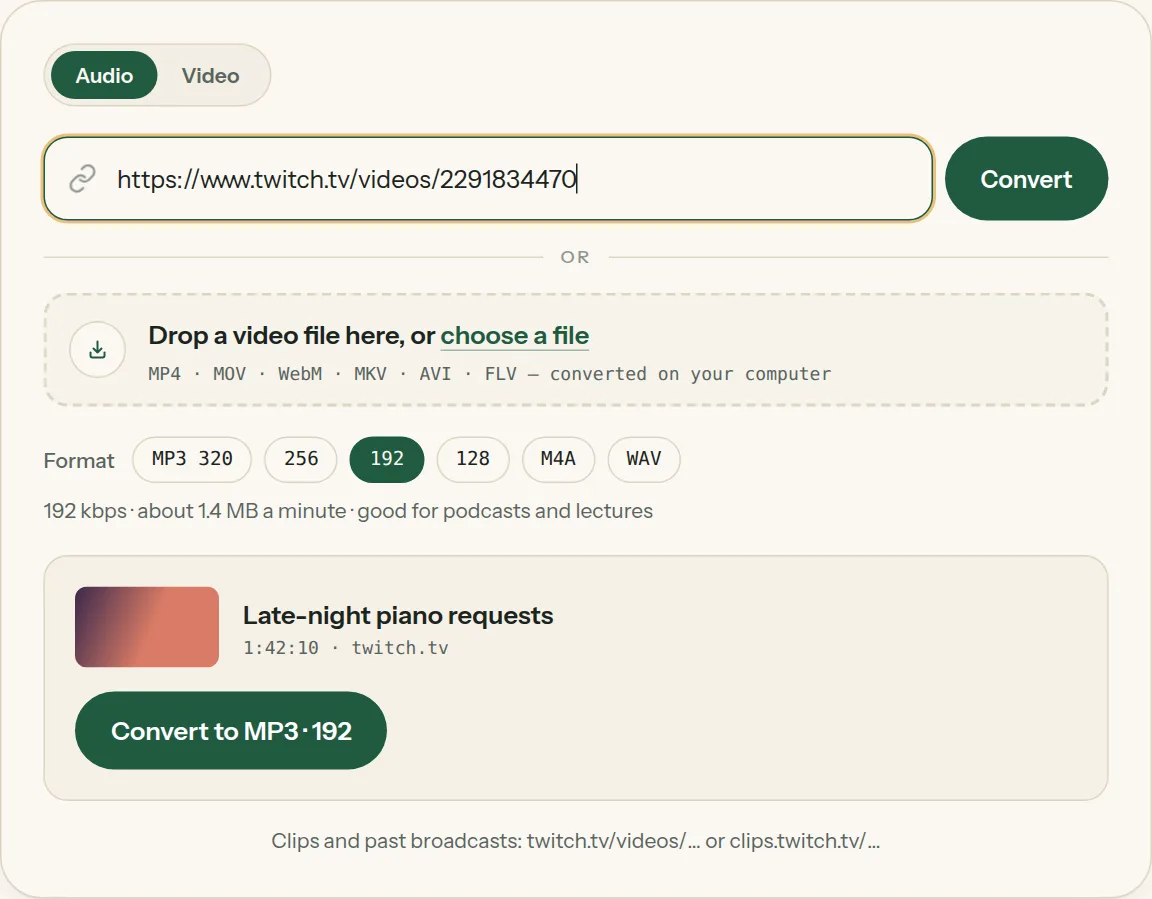
2Paste the link into the box above. The title and length appear in a moment.
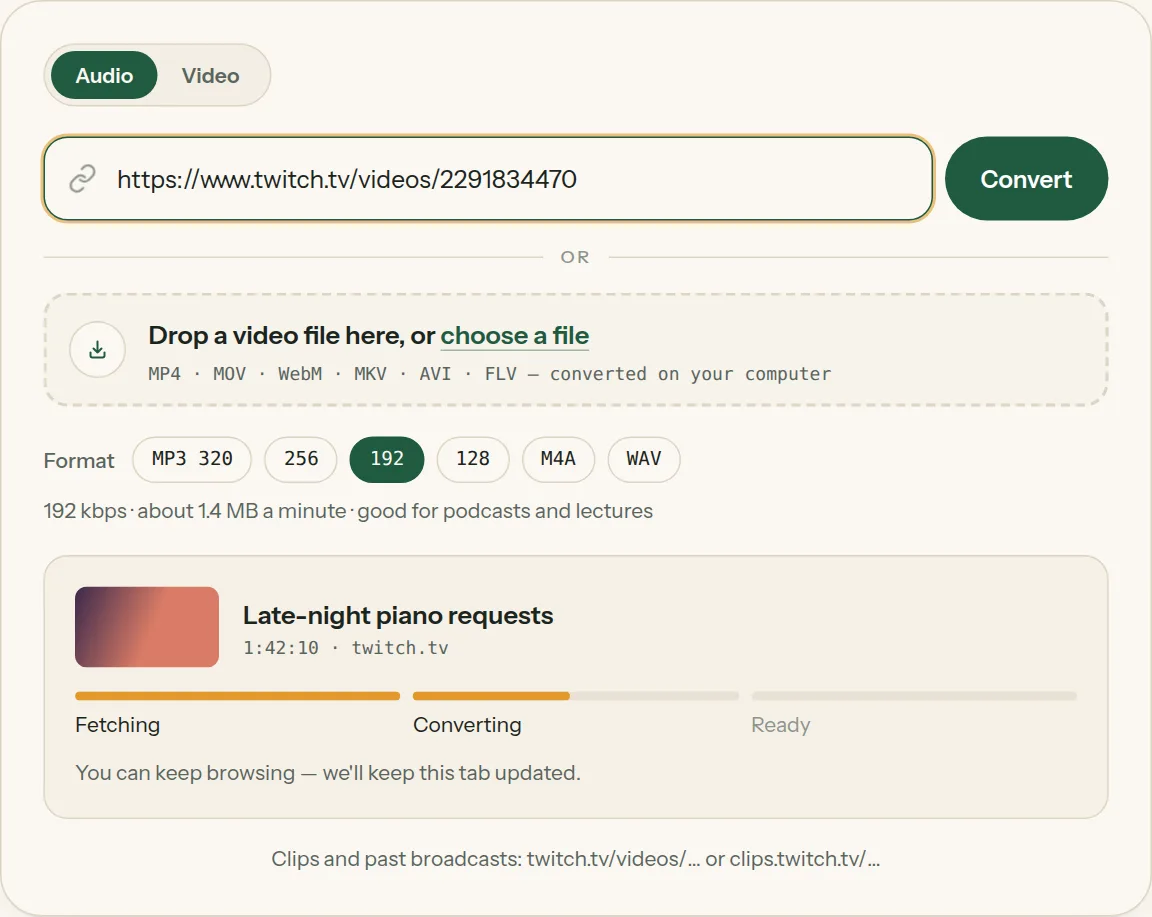
3Pick MP3 and a quality (or WAV), then click Convert. The bar moves from Fetching to Converting.
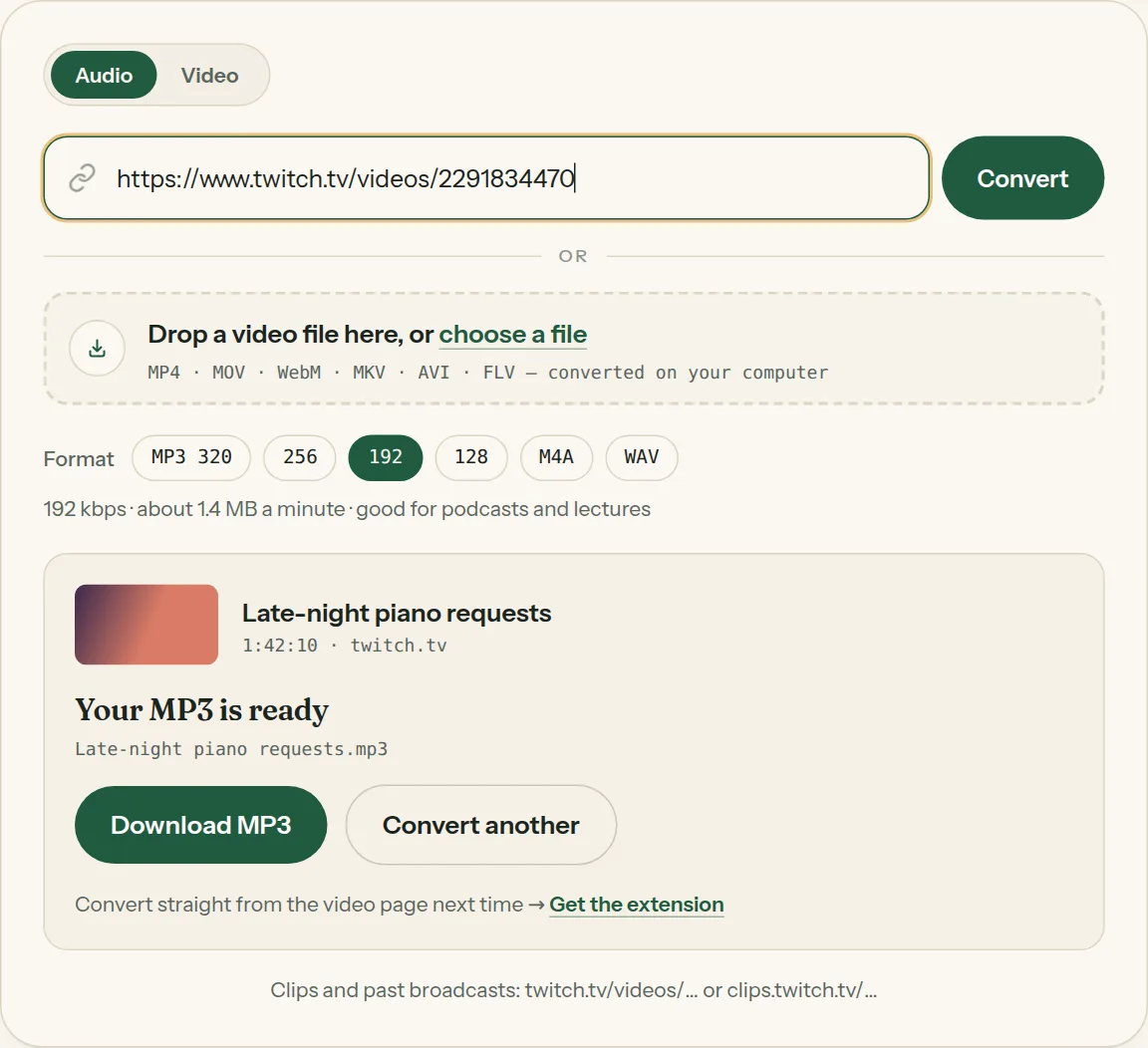
4Click Download MP3 when it says your MP3 is ready.
Questions about Twitch to MP3
All questions →Can I save a Twitch clip as MP4?
Yes — switch the tool to Video.
Why won't a Twitch link convert, and what can I do?
Live streams can be saved once they end and the past broadcast appears in the channel's Videos tab. Audio works for videos up to two hours — for a longer stream, use a highlight or clip of the part you want. Some channels delete past broadcasts after a while or keep them for subscribers, so check the video still plays without signing in.
Converting every day? Do it from the video page.
The Video to MP3 Converter extension sits beside the video you're watching. One click saves the audio to your Downloads folder, and it can save a whole playlist in one go.
Membership — $5 a month, $36 a year, or $99 once. One membership works here and in the extension.
See plans