
Twitter (X) to MP3
Twitter (X) to MP3 saves the sound of a video posted on X — a news clip or recorded talk — as MP3 or WAV from the post's link. x.com and twitter.com links both work; posts with several videos give you the first one. Public video posts convert on the first try, usually in under a minute.
Public posts with a video: x.com/user/status/…
Video to MP3 Converter is not affiliated with or endorsed by X (Twitter). It converts public content only — save what you have the right to keep, and respect the people who made it.
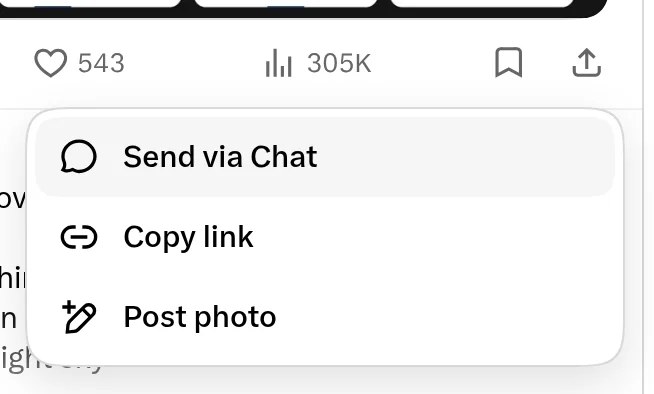
Where to find Copy link on X (Twitter)
Key facts
- Public video posts convert on the first try, usually in under a minute; a typical MP3 is under 2 MB.
- Posts with several videos give you the first video.
- MP4 up to 1080p from the Video tab.
Copy the post link
On the post, tap Share → Copy link. Links from x.com and twitter.com both work. The post must be public and contain a video (not a GIF, which has no sound).
X to MP3 for clips and recorded talks
Short news clips, interviews and recorded talks posted as video convert in well under a minute. Choose MP3 · 192 for speech, or WAV if you're cutting a quote into your own video.
X (Twitter) to MP3, step by step
1Tap Share → Copy link on the post.
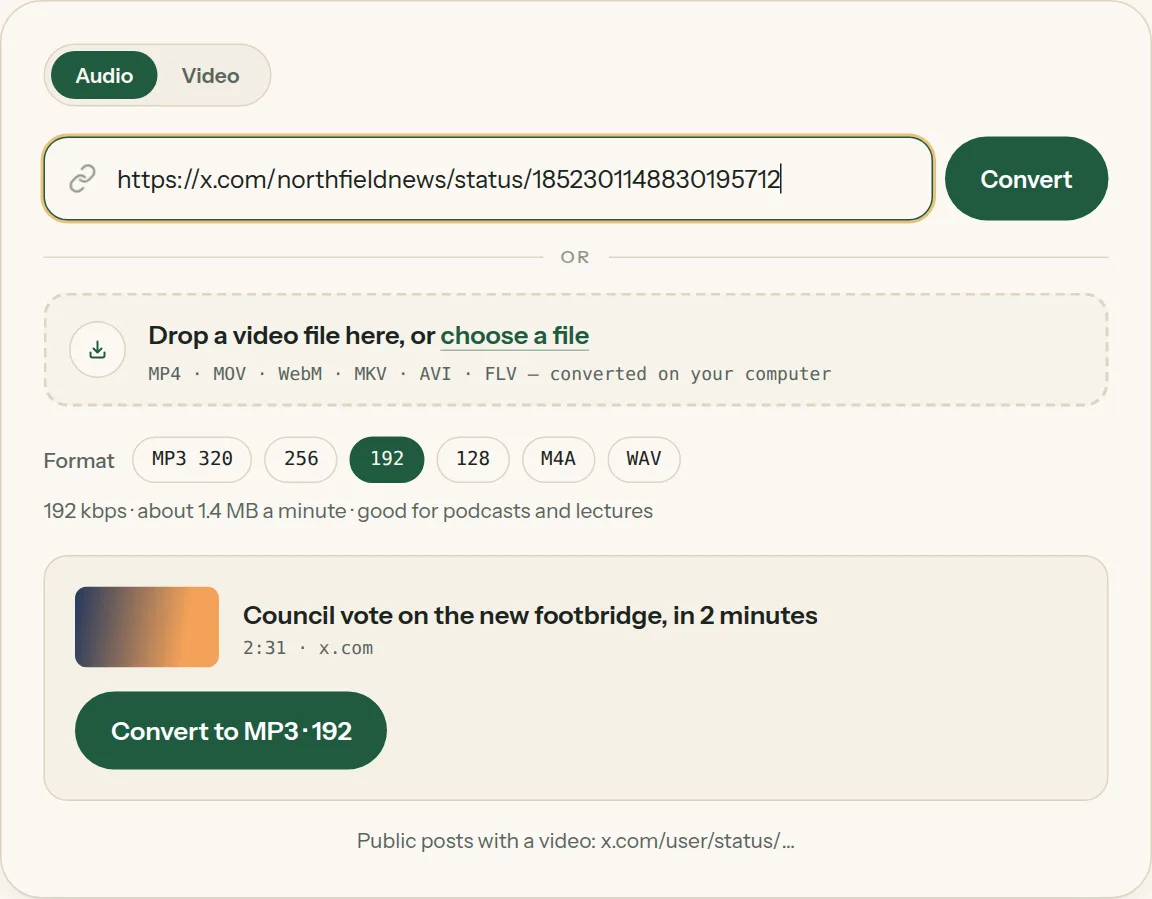
2Paste the link into the box above. The title and length appear in a moment.
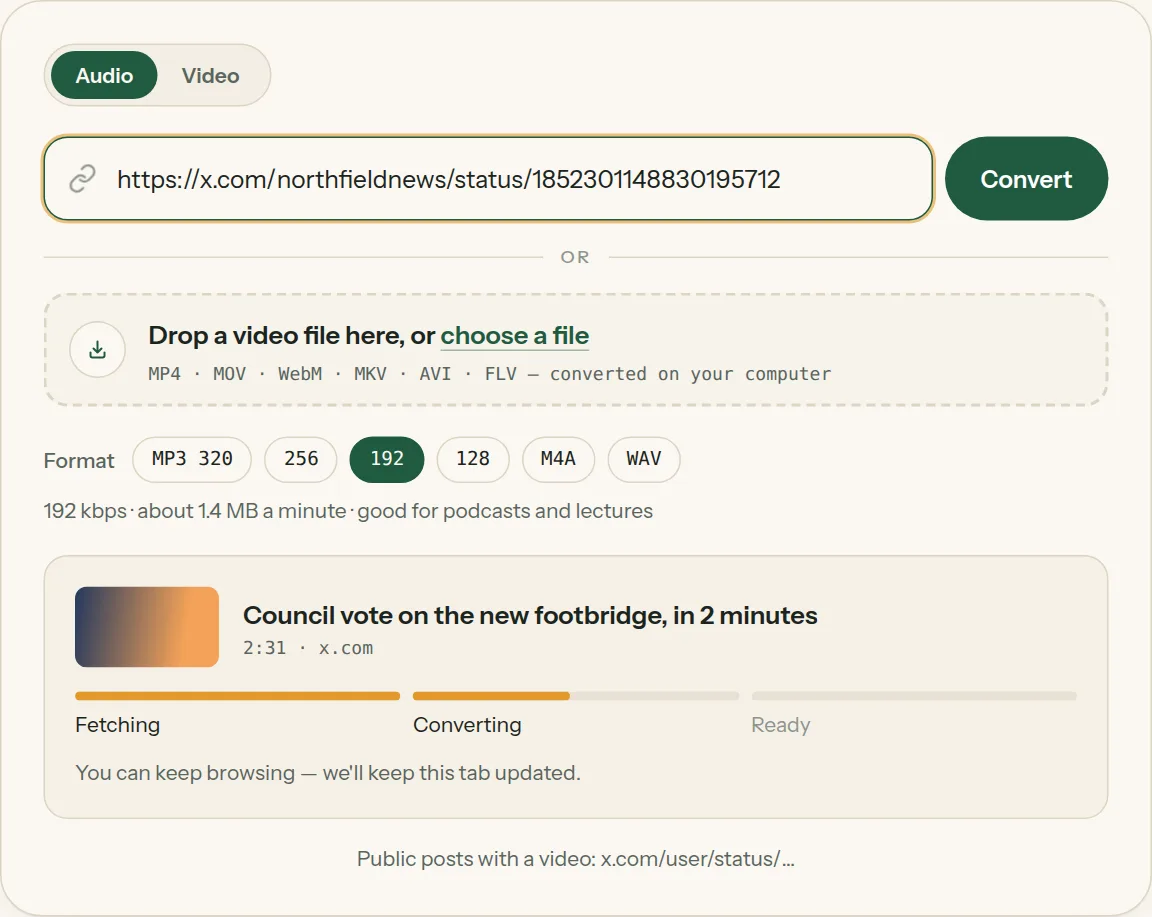
3Pick MP3 and a quality (or WAV), then click Convert. The bar moves from Fetching to Converting.
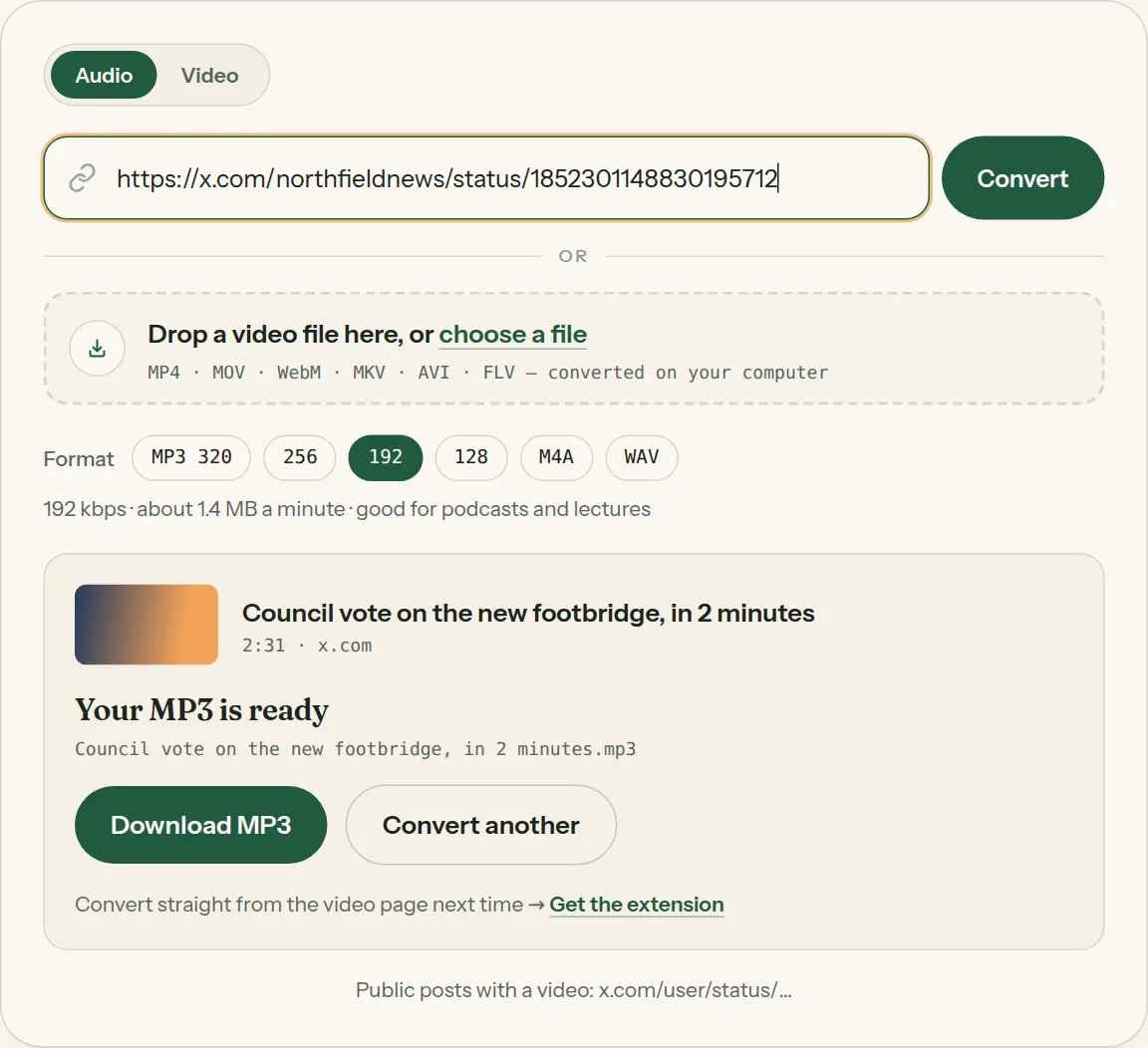
4Click Download MP3 when it says your MP3 is ready.
Questions about X (Twitter) to MP3
All questions →Do links from twitter.com still work?
Yes. twitter.com and x.com links are treated the same.
Why won't a post convert, and what can I do?
Make sure the post has a real video: GIFs are silent, and posts with only text or images have no sound. Deleted posts, protected accounts and videos X only shows to signed-in people can't be saved — if you can open the post without signing in, it should convert.
Converting every day? Do it from the video page.
The Video to MP3 Converter extension sits beside the video you're watching. One click saves the audio to your Downloads folder, and it can save a whole playlist in one go.
Membership — $5 a month, $36 a year, or $99 once. One membership works here and in the extension.
See plans