
MOV to MP3 Converter
MOV is the format iPhones and QuickTime record in. This converter turns a .mov into MP3 or WAV inside your browser on Mac, Windows or iPhone, with nothing to install and nothing uploaded, so private videos stay on your device. A 1.6 GB, 5-minute 1080p MOV becomes an MP3 in 28 seconds.
Files are converted on your computer or phone.
Key facts
- A 1.6 GB, 5-minute 1080p MOV becomes a 13.6 MB MP3 (320 kbps) in 28 seconds — right in your browser.
- A one-minute MOV turns into a 48 kHz stereo WAV in under a second.
- Works with iPhone camera videos and QuickTime screen recordings; 0 bytes uploaded.
- Output: MP3 at 320, 256, 192 or 128 kbps, or 16-bit WAV.
From iPhone or Mac
Videos recorded on an iPhone and screen recordings made with QuickTime are saved as .mov files. Getting the sound out works three ways:
- On a Mac: drag the video out of Photos onto your desktop (or find the QuickTime recording in Movies), then drop it into the box above.
- From iPhone to a computer: AirDrop the video to your Mac, or send it to your PC with iCloud Photos, then drop it in.
- Right on the iPhone: open this page in Safari, tap choose a file → Photo Library, pick the video and tap Convert. The MP3 is saved to Files → Downloads. The iPhone guide has screenshots.
MOV to WAV
If you're taking the audio into GarageBand, Logic or Audacity, choose WAV in the format row. You get uncompressed 16-bit audio at the same sample rate as the recording, which is what editors expect. For listening or sharing, MP3 at 192 or 320 kbps is much smaller and sounds the same to most ears.
MOV to MP3, step by step
1Get the .mov onto the device you're using, then pick MP3 or WAV.
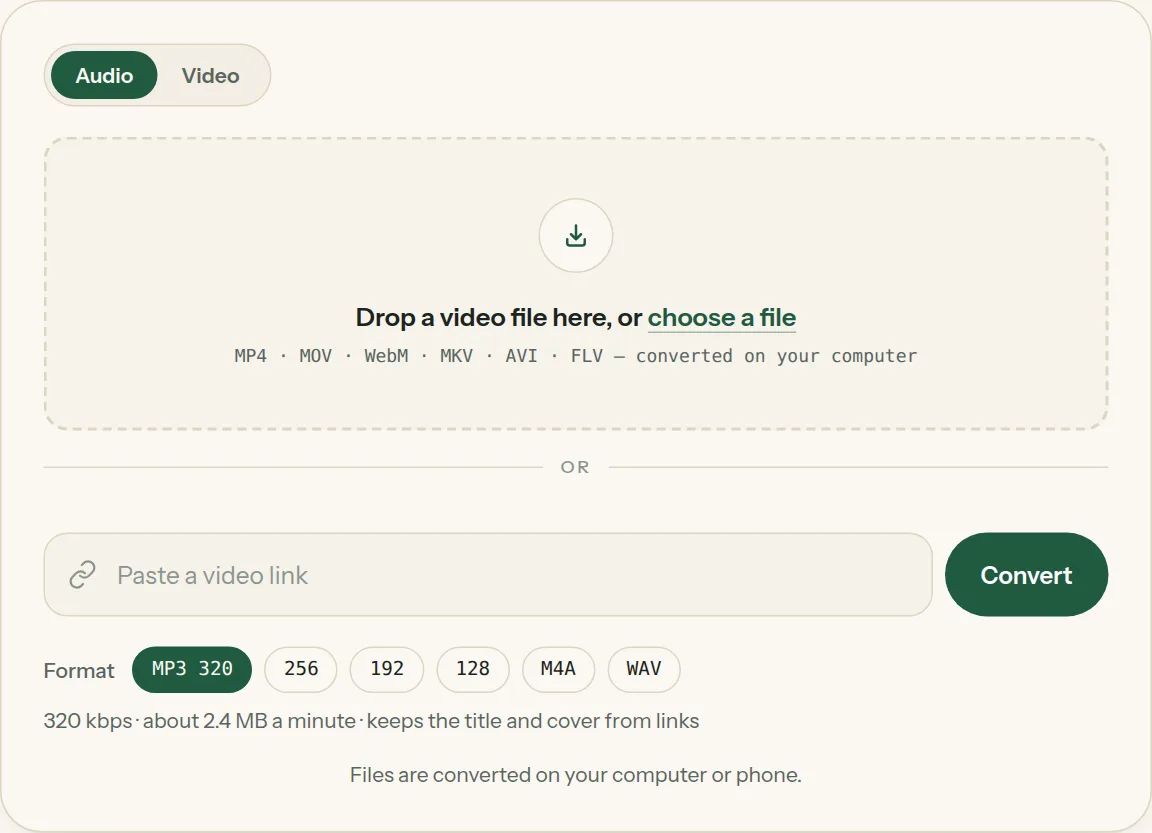
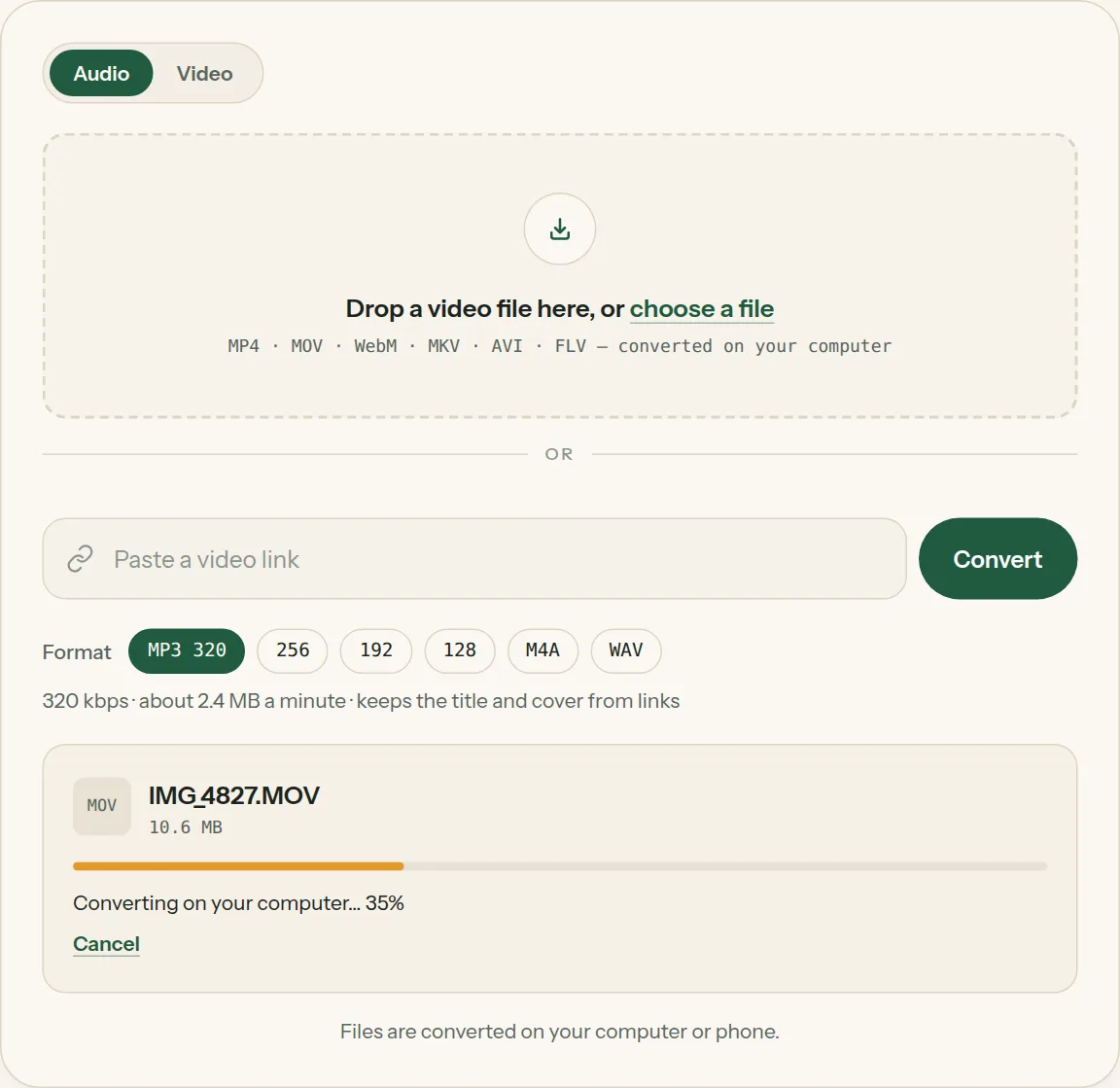
2Drop the file into the box (or tap choose a file). The bar shows how far your computer has got.
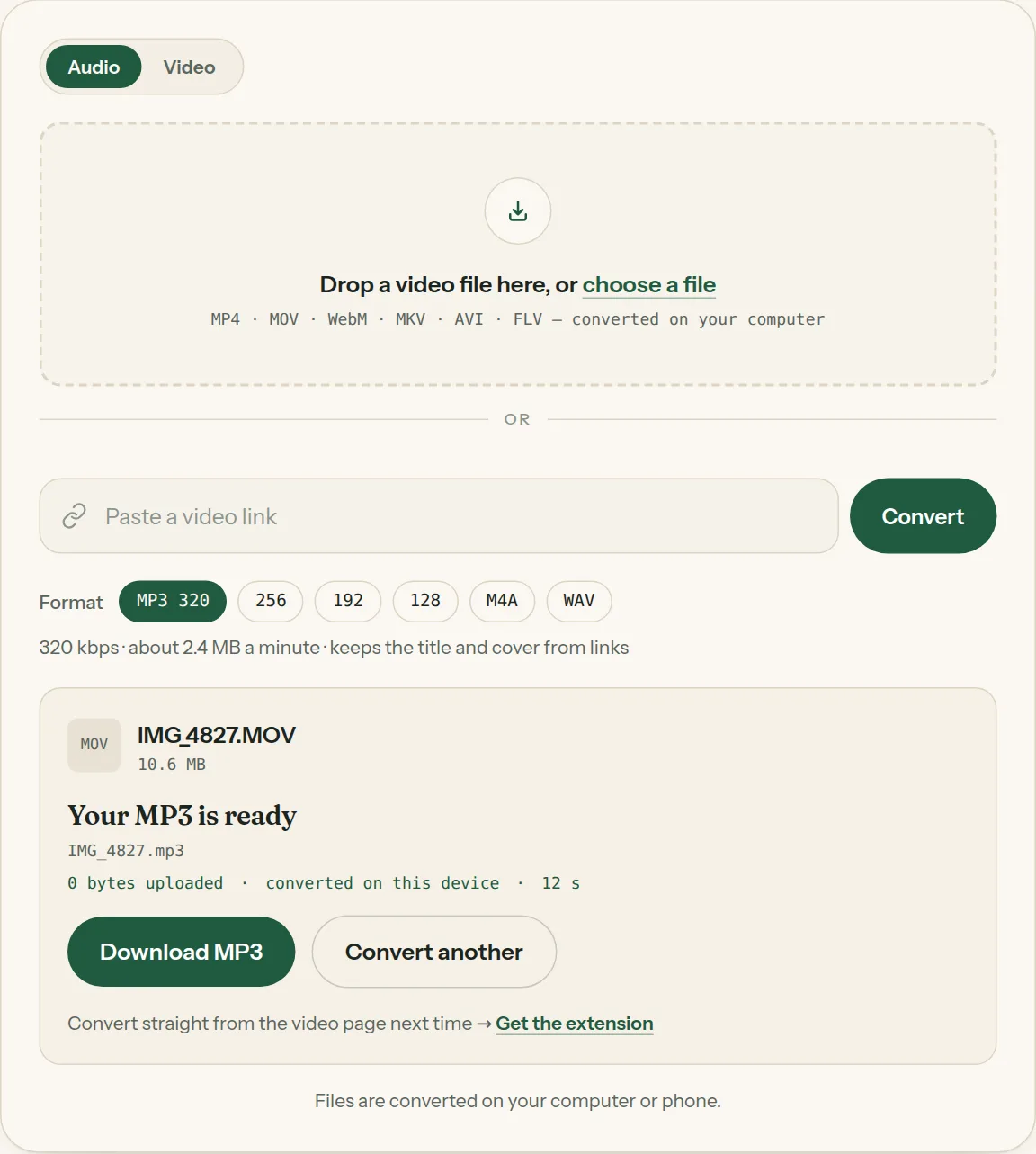
3Click Download when the file is ready. Nothing was uploaded.
Questions about MOV to MP3
All questions →Can you change a MOV file to MP3?
Yes. MOV is a video container; the sound inside it (usually AAC) is converted to MP3. Drop the file above, pick MP3 and click Convert.
How do I convert MOV to MP3 on a Mac without software?
Open this page in Safari or Chrome and drop the file in. It converts in the browser, so there is nothing to install.
Does it work with iPhone screen recordings?
Yes. Screen recordings with sound are regular .mov files. If the recording has no sound, you'll see "This video has no sound track."
Converting every day? Do it from the video page.
The Video to MP3 Converter extension sits beside the video you're watching. One click saves the audio to your Downloads folder, and it can save a whole playlist in one go.
Membership — $5 a month, $36 a year, or $99 once. One membership works here and in the extension.
See plans