
Link to MP3 Converter
Link to MP3 turns the address of a video page into an MP3, so you keep the sound of a talk, song or clip. Paste a link from TikTok, SoundCloud, X, Vimeo, Twitch, Dailymotion or 1,000+ other sites, or a direct .mp4 link, and get MP3 up to 320 kbps with the title and cover filled in.
Works with most video pages and direct video links.
Link to MP3: the 40-second walkthrough
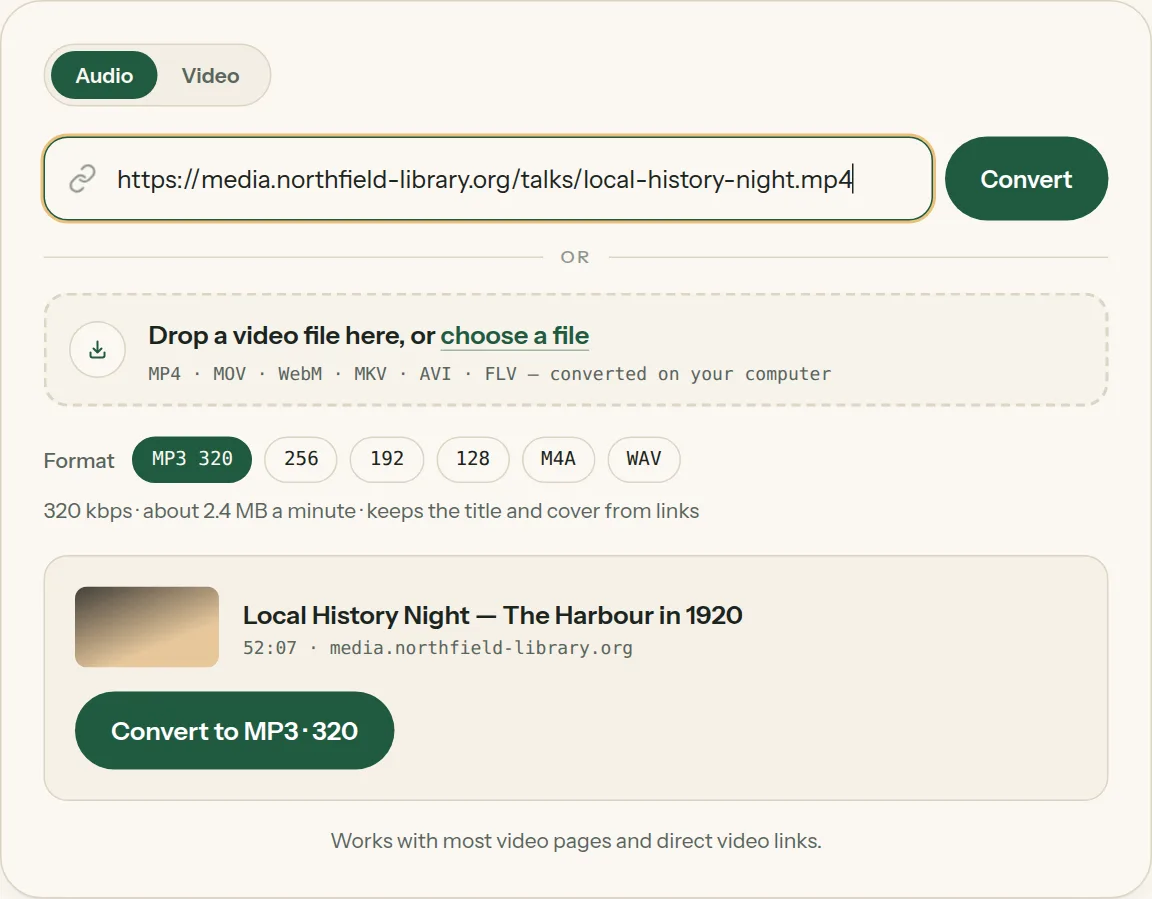
Key facts
- Output: MP3 at 320, 256, 192 or 128 kbps, M4A or WAV; MP4 at 1080p, 720p or 480p from the Video tab.
- Length: audio for videos up to 2 hours, video for videos up to 1 hour.
- MP3 and M4A saved from a link carry the video's title, channel name and cover picture.
- No account needed for your first link conversions each day; Google sign-in raises the daily number.
What links work?
Copy the address from your browser's address bar, or use the Share → Copy link button under a video, and paste it above. The converter reads the page, shows you the title and length, and saves the sound as an MP3 file.
- Video pages — the page where the video plays. If a page holds several videos, the first one is used.
- Direct video links — addresses that end in .mp4, .webm or .mov, often shared from cloud folders or course sites.
- Audio links — a direct .mp3, .m4a or .wav address can be re-saved in a different quality.
If you can save the video file itself, you can also drop it into the same box — it converts on your computer.
URL to MP3 at 320 kbps
MP3 320 is the default because it is the highest quality MP3 allows and every player opens it. Pick 192 for podcasts and lectures, or 128 if you are saving speech to a phone with little space. Not sure which? See 320 vs 128 kbps, M4A or WAV.
Need the video too?
Switch the tool to Video to save the same link as an MP4 at 1080p, 720p or 480p. Video downloads work for videos up to one hour; audio works for videos up to two hours.
Link to MP3 on iPhone and Android
The converter runs in any mobile browser. In the app you're watching, tap Share → Copy link, open this page in Safari or Chrome, paste, and tap Convert. On iPhone the MP3 lands in the Files app under Downloads — the iPhone guide walks through it.
Link to MP3, step by step
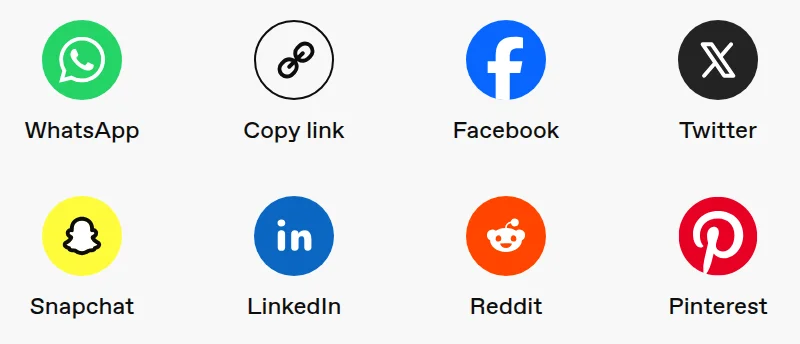
1Find Copy link in the video's Share menu — or copy the address bar.
2Paste the link into the box above. The title and length appear in a moment.
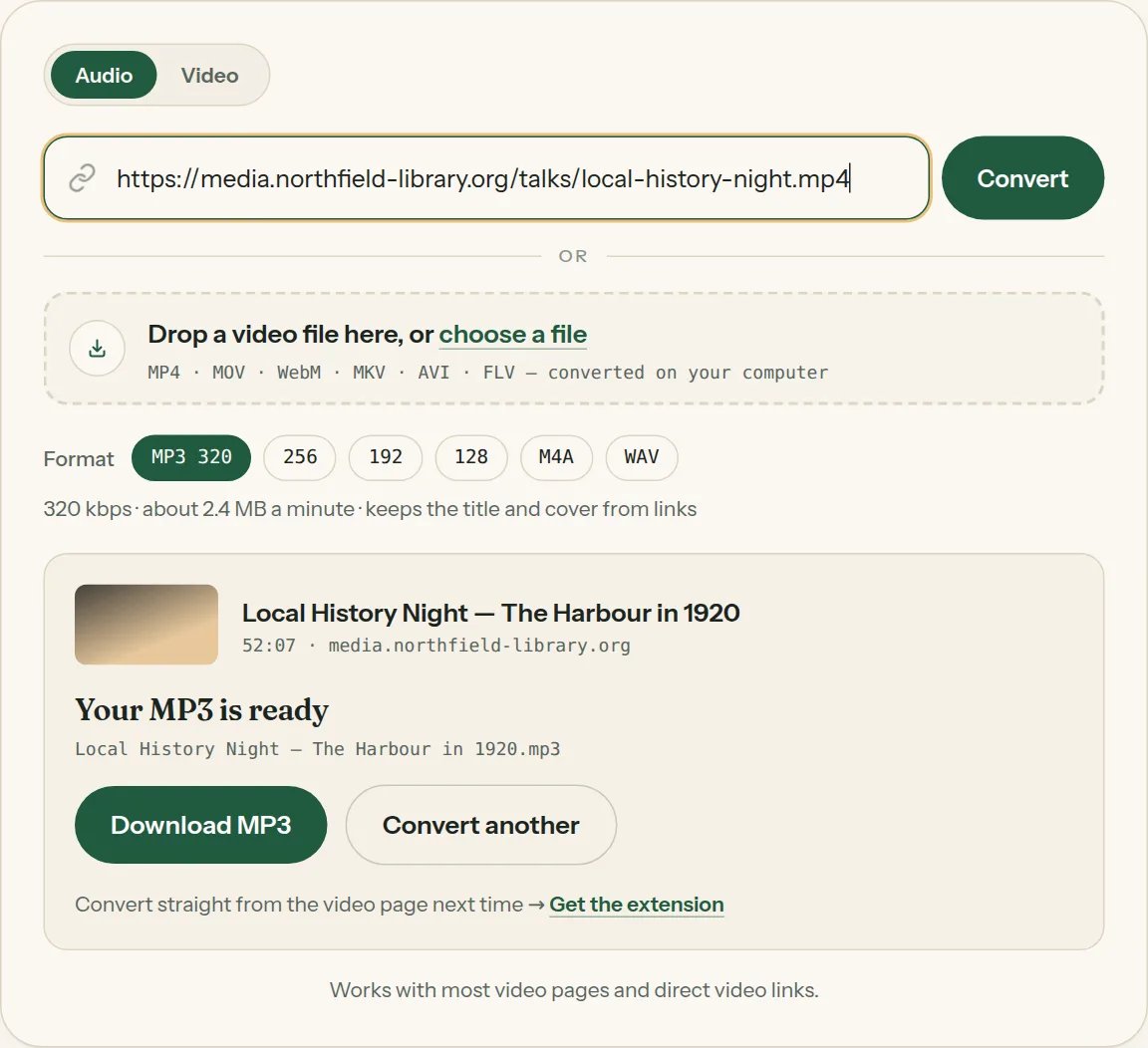
3Click Convert, then Download MP3 when it says your MP3 is ready.
Questions about Link to MP3
All questions →How do I convert a link to MP3 audio?
Paste the link above, keep MP3 · 320 selected (or pick another quality), and click Convert. When the file is ready, click Download MP3.
What is an MP3 URL?
It is a web address that points straight at an .mp3 file instead of a page. Paste one here to save it again in a different quality, or as WAV.
Why won't a link convert, and what can I do?
Usually the video is private, needs a sign-in, is still live, isn't available in your country, or is protected against copying by its owner. Check that it plays in a private browser window without signing in, and wait for live streams to end. If you can save the video file, drop it into the same box — it converts right on your device.
Do I need an account?
No. You can convert a few links a day straight away. Signing in with Google gives you more link conversions a day here and in the extension.
Converting every day? Do it from the video page.
The Video to MP3 Converter extension sits beside the video you're watching. One click saves the audio to your Downloads folder, and it can save a whole playlist in one go.
Membership — $5 a month, $36 a year, or $99 once. One membership works here and in the extension.
See plans