
MKV to MP3 Converter
MKV to MP3 gets the sound out of a Matroska video without installing VLC or typing an ffmpeg command. The converter takes the first audio track — the main one in almost every file — mixes surround down to stereo, and saves MP3 or WAV inside your browser. AAC, Opus, Vorbis and FLAC tracks all work.
Works with most video pages and direct video links.
Key facts
- Takes the first audio track of the .mkv; surround is mixed down to stereo.
- Converts AAC, Opus, Vorbis and FLAC tracks — the sound in almost every MKV.
- Nothing to install, 0 bytes uploaded.
No VLC needed
The usual way to get audio out of an MKV is VLC's Convert/Save dialog or an ffmpeg command. Both work, but they take a few minutes to set up. Here you drop the file and pick a format; the same kind of decoder runs inside your browser.
Files with several audio tracks
MKV files often carry more than one audio track — two languages, or a commentary. The converter takes the first audio track, which is the main one in almost every file. If you need a different track, VLC's Audio → Audio Track menu shows which is which.
Most MKV sound is AAC, Opus or Vorbis, which browsers decode. Surround tracks in AC-3, DTS or TrueHD can't be decoded in the browser — if you see a message saying so, save the video as MP4 in VLC first.
MKV to MP3, step by step
1Pick MP3 and a quality in the format row.
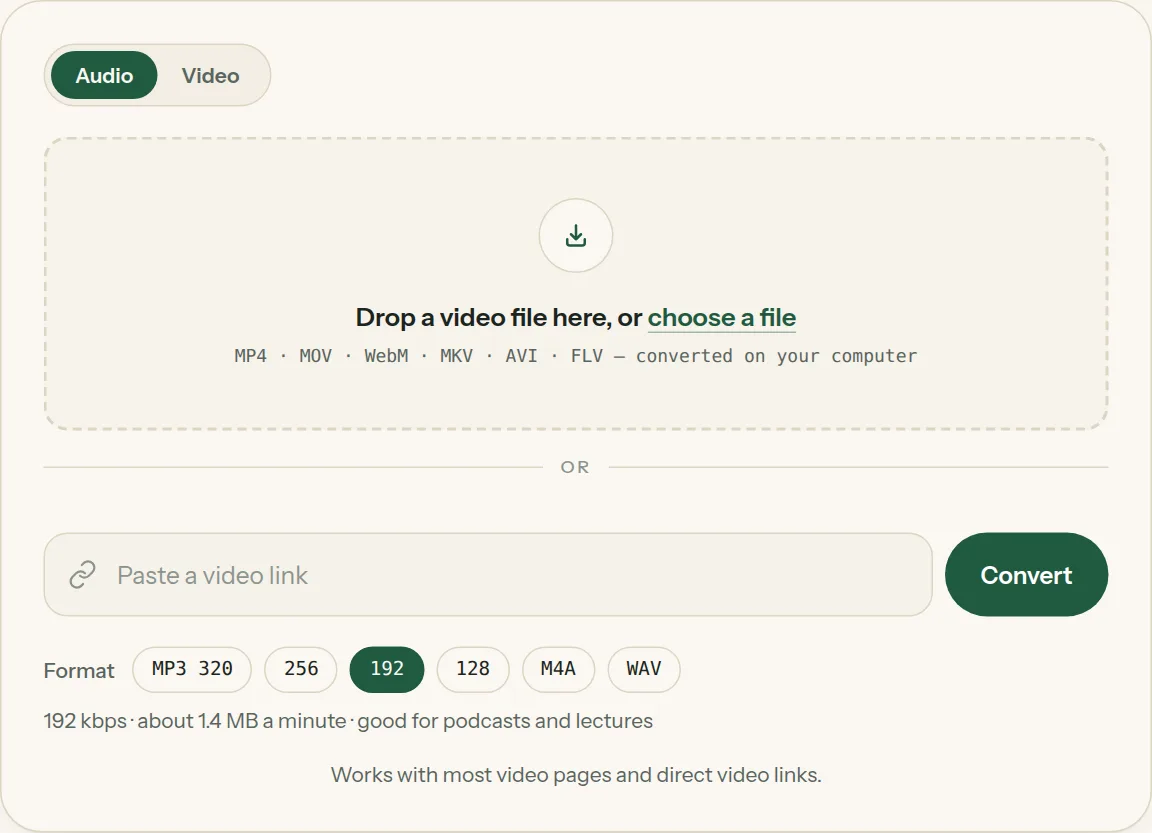
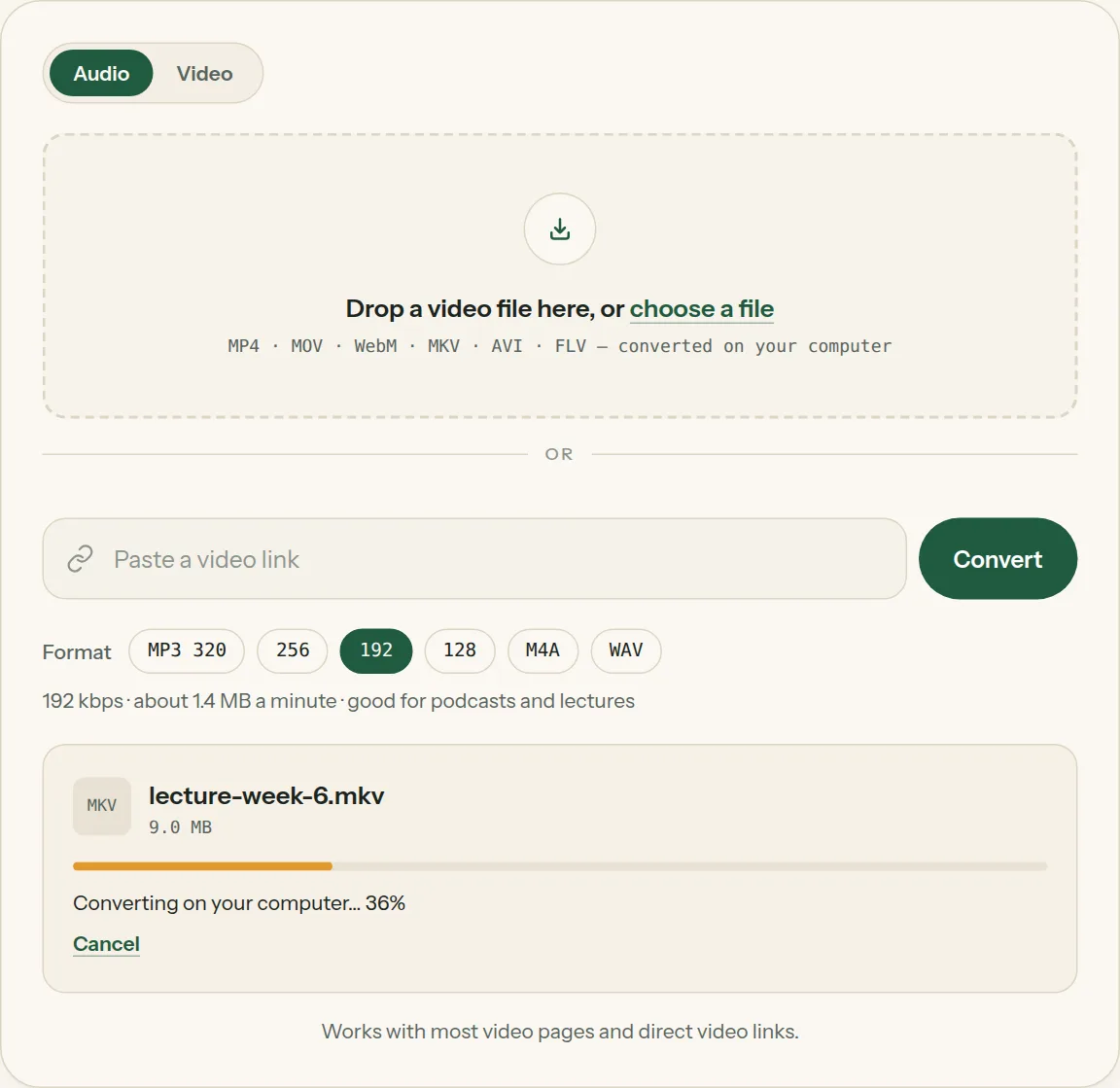
2Drop the file into the box (or tap choose a file). The bar shows how far your computer has got.
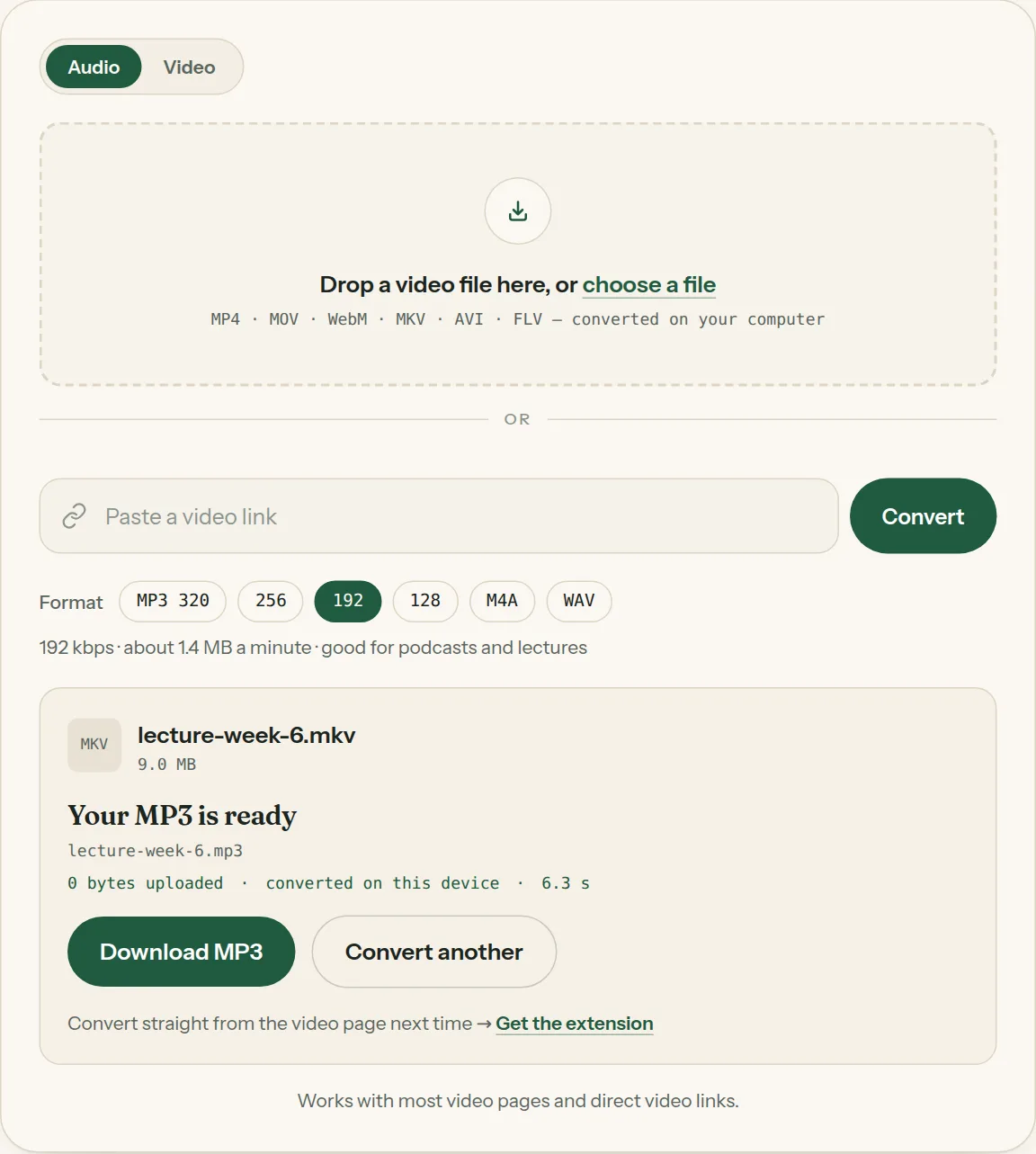
3Click Download when the file is ready. Nothing was uploaded.
Questions about MKV to MP3
All questions →How can I extract audio from an MKV file?
Drop it above and click Convert. The first audio track is saved as MP3 or WAV.
Is surround sound kept?
Surround tracks are mixed down to stereo, which is what MP3 players expect.
Converting every day? Do it from the video page.
The Video to MP3 Converter extension sits beside the video you're watching. One click saves the audio to your Downloads folder, and it can save a whole playlist in one go.
Membership — $5 a month, $36 a year, or $99 once. One membership works here and in the extension.
See plans