
MP4 to MP3 Converter
This MP4 to MP3 converter keeps only the sound of an MP4 — a lecture, meeting, concert or screen recording — as MP3 up to 320 kbps or lossless WAV. The file is converted inside your browser and never uploaded, and there is no file-size box: a one-hour MP4 is ready in about four and a half minutes.
Files are converted on your computer. Links work too.
MP4 to MP3: the 30-second walkthrough
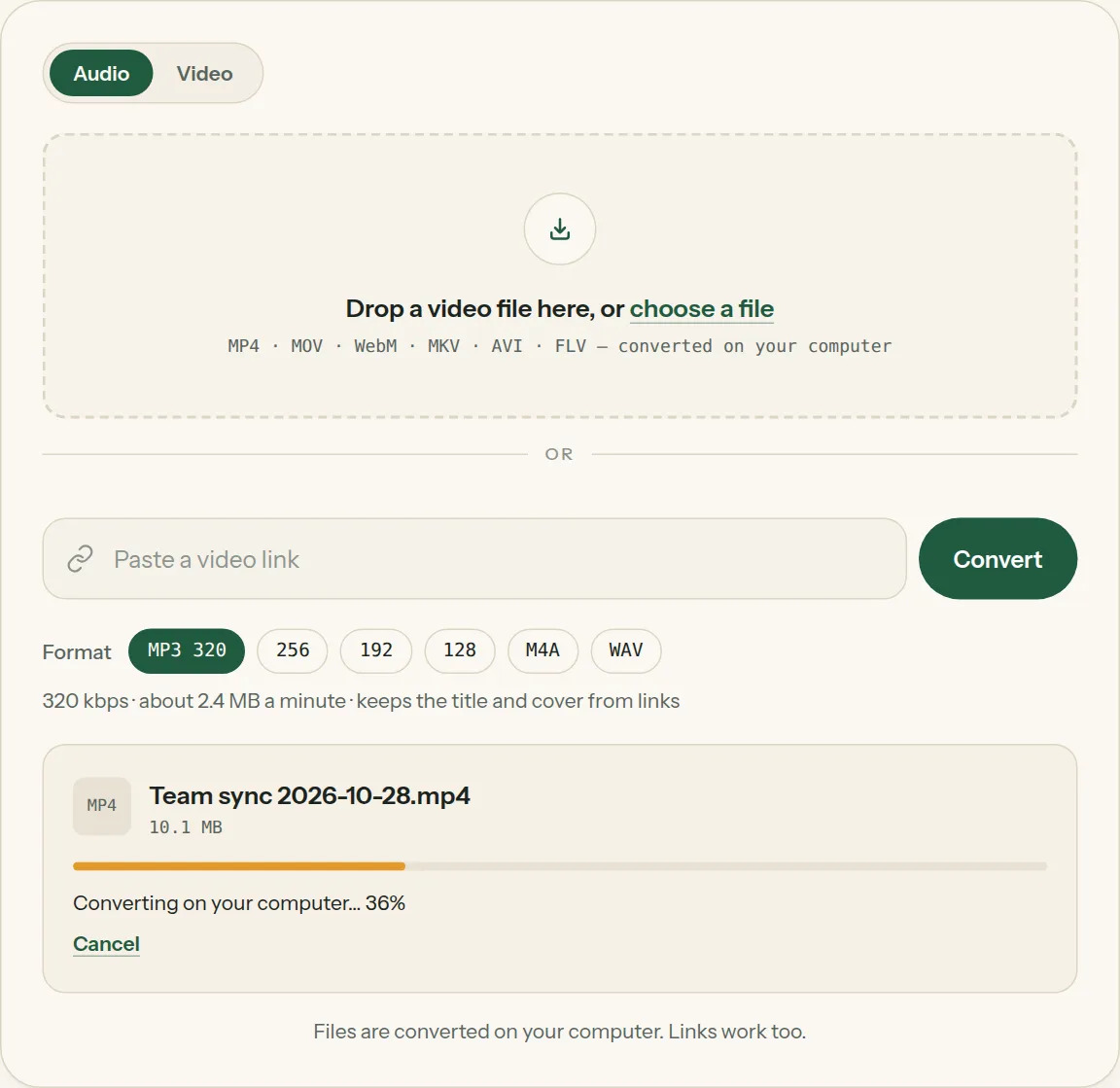
Key facts
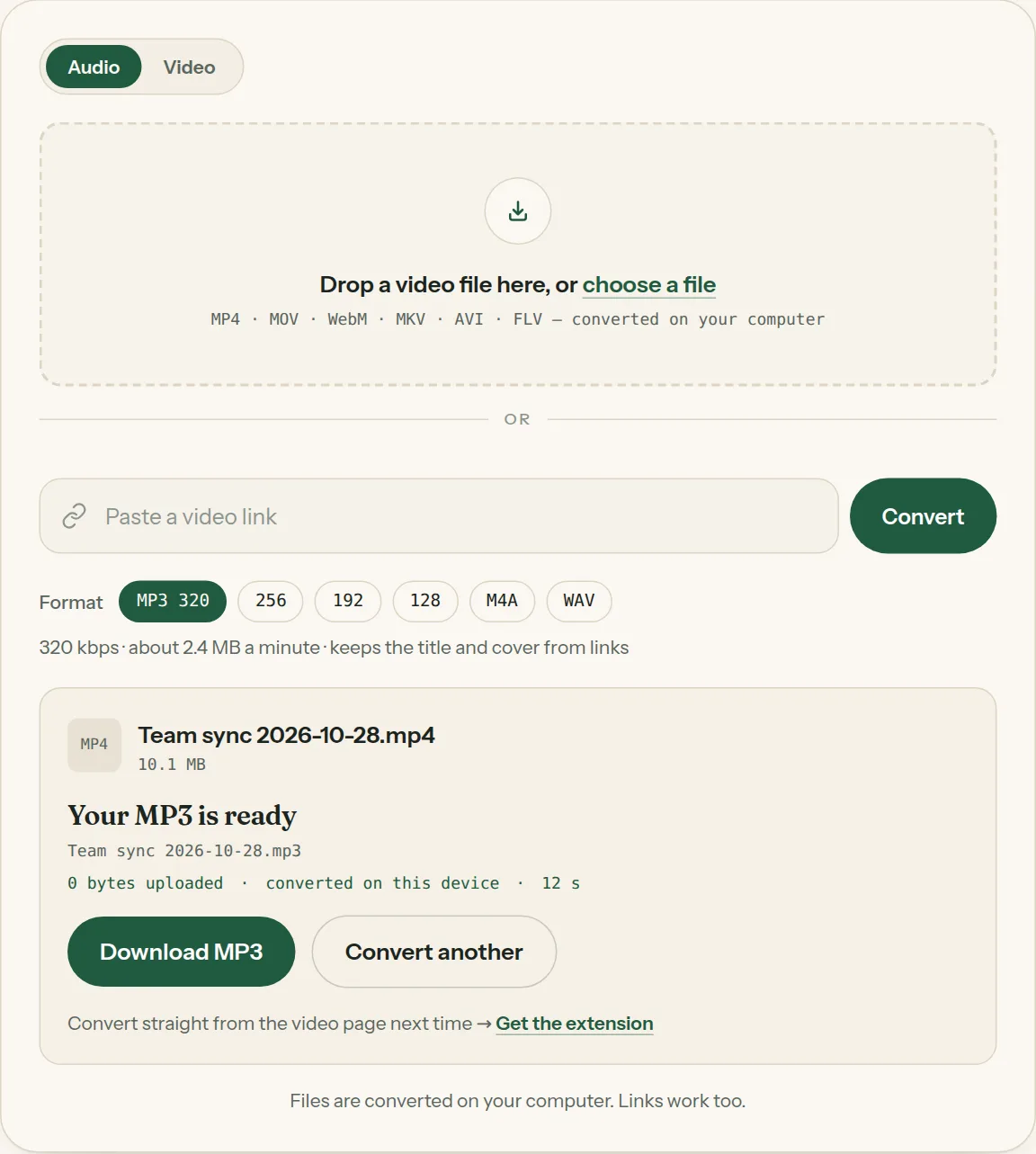
- Converted in the browser: 0 bytes uploaded — the MP4 never leaves your device.
- A one-hour MP4 becomes a 144 MB MP3 (320 kbps) in about 4.5 minutes; a one-minute clip takes a few seconds.
- Output: MP3 at 320, 256, 192 or 128 kbps, or 16-bit WAV.
- No file-size box: several-gigabyte files work in Chrome and Edge.
Big files are fine
A two-hour Zoom recording or a 1 GB screen capture converts the same way as a short clip. The converter reads the MP4 a piece at a time and keeps only the sound, so there is nothing to upload and no file-size box to fight with. What takes time is the length of the sound, not the size of the file.
Because the conversion happens in your browser, private recordings — family videos, meetings, lectures — stay on your computer. Close the tab and nothing is left behind.
Keep the quality
Most MP4 files carry AAC sound at 128–256 kbps. Saving it as MP3 320 keeps everything that's there; 192 is plenty for talks and podcasts and makes the file about 40% smaller. If you're going to edit the sound, choose WAV instead — it's lossless and opens in every editor. See which format to pick.
| Recording | Good choice | Size of a 1-hour file |
|---|---|---|
| Concert, music video | MP3 · 320 | ~144 MB |
| Lecture, webinar, podcast | MP3 · 192 | ~86 MB |
| Voice notes on a small phone | MP3 · 128 | ~58 MB |
| Audio you'll edit | WAV | ~635–690 MB |
MP4 to MP3, step by step
1Pick MP3 and a quality in the format row.
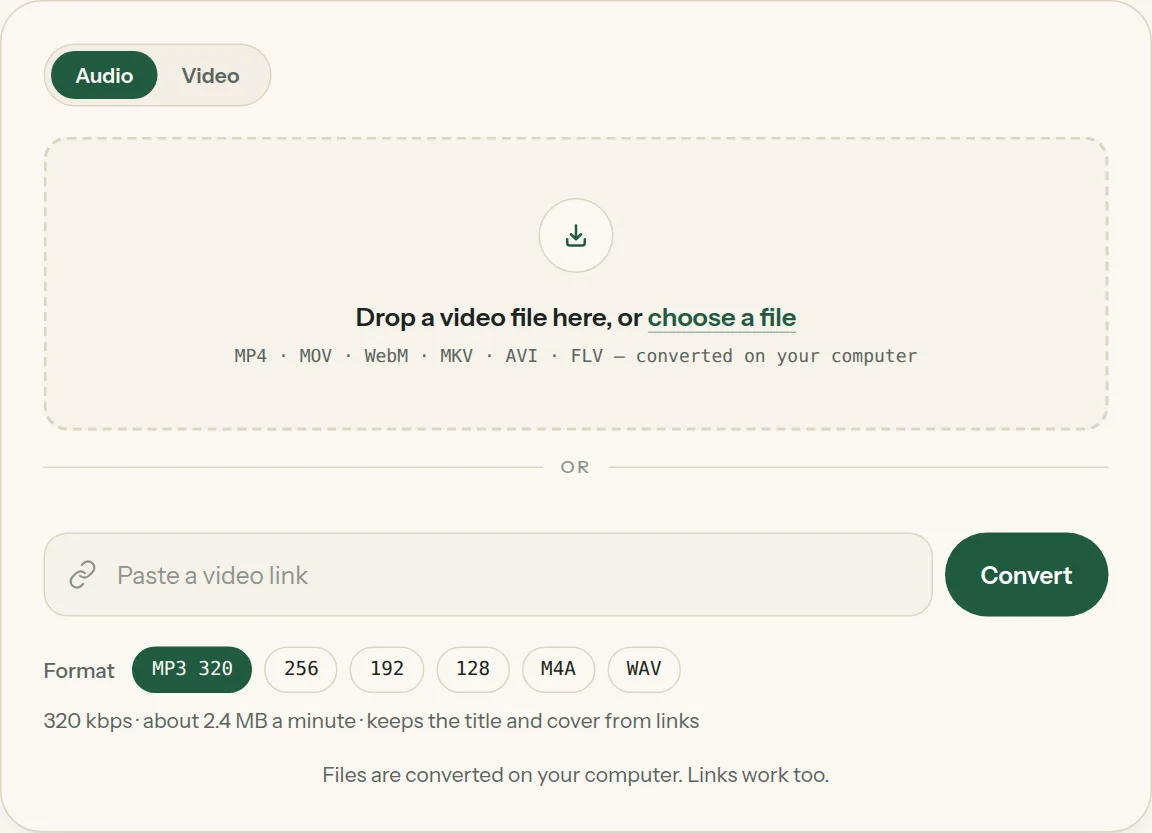
2Drop the file into the box (or tap choose a file). The bar shows how far your computer has got.
3Click Download when the file is ready. Nothing was uploaded.
Questions about MP4 to MP3
All questions →Is there a file-size limit?
There is no upload, so there is no upload limit. Very large files are only limited by your computer's memory; files of several gigabytes usually work in Chrome and Edge.
Will converting MP4 to MP3 lose quality?
MP3 is compressed, so pick 320 kbps to keep everything the original sound has. For no loss at all, choose WAV.
Can I convert MP4 to MP3 on a Mac?
Yes. Open this page in Safari, Chrome or Edge and drop the file in. Nothing to install.
What if the MP4 is online, not on my computer?
Paste its link into the same box — the tool reads the page and converts it for you.
Converting every day? Do it from the video page.
The Video to MP3 Converter extension sits beside the video you're watching. One click saves the audio to your Downloads folder, and it can save a whole playlist in one go.
Membership — $5 a month, $36 a year, or $99 once. One membership works here and in the extension.
See plans