How to Convert a Video to MP3 on iPhone (Links and Camera Roll)
By Video to MP3 Converter team · Updated 2026-11-03 · 4 min read
Short answer
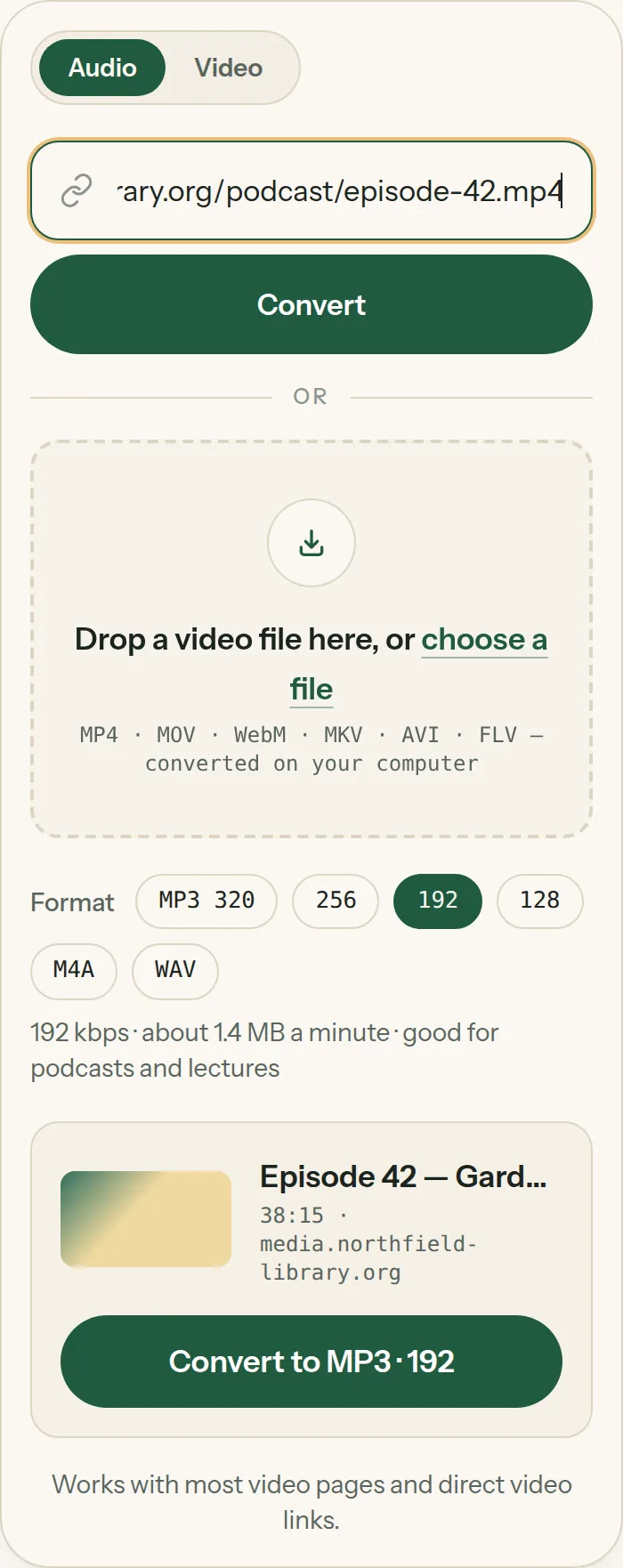
To convert a video to MP3 on iPhone, open videotomp3converter.org in Safari. For an online video, paste its link and tap Convert; for a video in Photos, tap "choose a file", pick the video and tap Convert. The MP3 is saved to Files → Downloads.
There is no built-in way to turn a video into an MP3 on iPhone, and most App Store "converters" want a subscription. You don't need one: Safari can do it. This guide covers both cases — a video you found online, and a video you recorded yourself.
What you need
- An iPhone or iPad with iOS 16 or later (older versions work for links).
- Safari or Chrome.
- The video's link, or the video in your Photos.
Steps
- 1
Copy the link — or skip this for your own videos
In the app where the video plays, tap Share → Copy link. For a video you recorded, go straight to step 2.
- 2
Open the converter in Safari
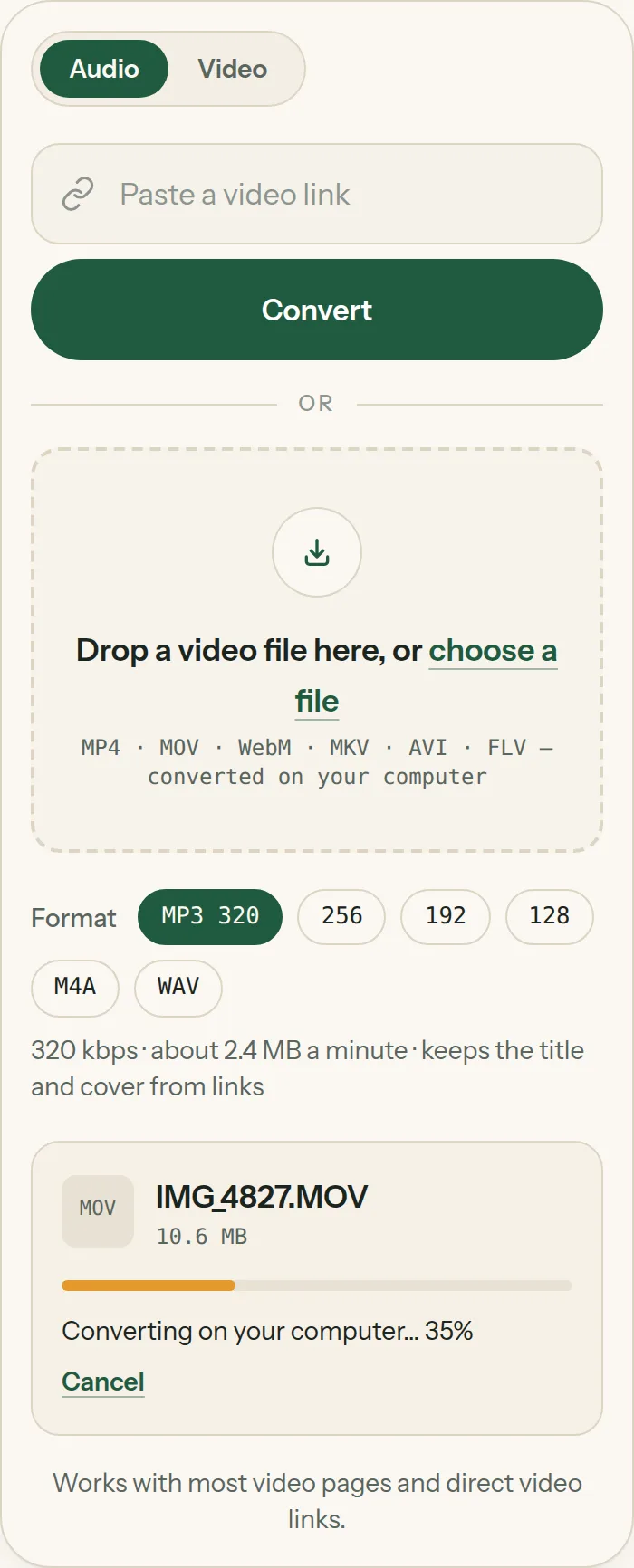
Go to videotomp3converter.org in Safari. If you copied a link, tap the box and choose Paste. For your own video, tap choose a file → Photo Library and pick it.
- 3
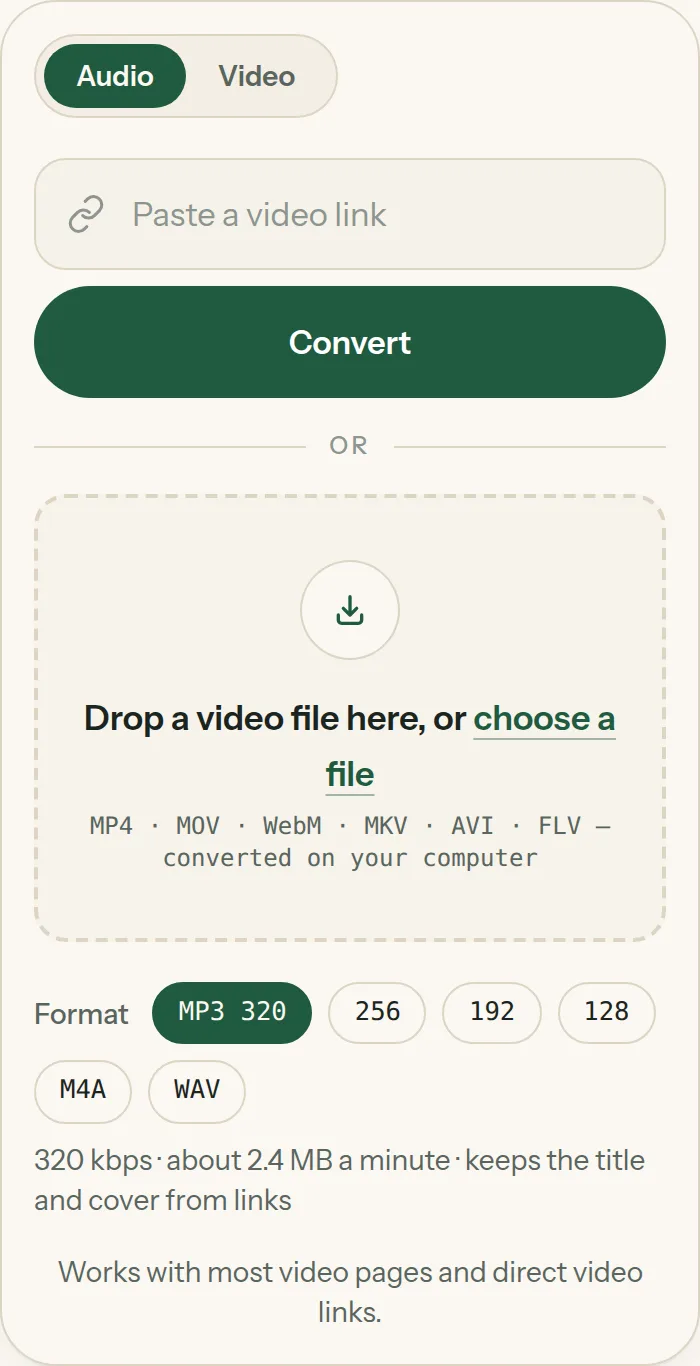
Pick MP3 and a quality
MP3 320 is selected by default. For voice memos, lectures or podcasts, 192 or 128 makes the file much smaller.
- 4
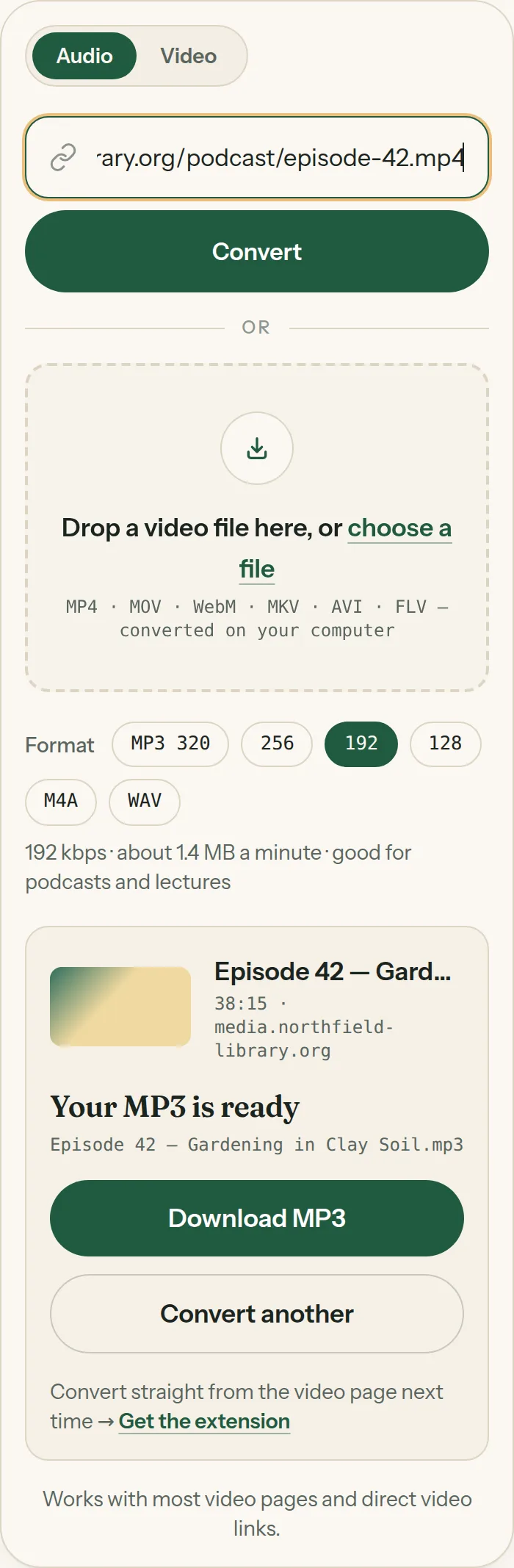
Tap Convert, then Download MP3
A link takes a few seconds. A video from Photos is converted on the phone itself — keep the screen on until the bar fills. Then tap Download MP3 and confirm Download.
- 5
Find the MP3 in Files
Open the Files app → Downloads (or tap the blue download arrow in Safari's address bar). From there you can share it, save it to iCloud Drive or open it in another app.
Link to MP3 on iPhone
Links convert in a few seconds and keep the video's title and cover in the MP3, so it looks right when you add it to a music app. If you see "We couldn't find a video on this page," the video is private, needs a sign-in or isn't a video page — see what links work.
Camera roll videos (MOV) to MP3
Videos you record on iPhone are .mov files. When you pick one from Photos, Safari hands it to the converter directly; it doesn't leave the phone. Long 4K clips are large, so give them a minute. On a Mac, MOV to MP3 explains AirDrop and QuickTime recordings.
Questions
Do I need to install an app?
No. Everything happens in Safari or Chrome.
Where do downloaded MP3s go on iPhone?
Files → Downloads, unless you changed Safari's download location in Settings → Apps → Safari → Downloads.
Can I add the MP3 to Apple Music?
Apple Music on iPhone can't import files directly. Add it on a Mac or PC (Music app or iTunes) and sync, or play it from Files or VLC.